Bazaar: reMarkable
Native plugins for the reMarkable Paper Pro and the Paper Pro Move, built against real firmware and sold at bazaar.abaj.ai/remarkable. Everything runs under xovi / rm-appload rather than patching the system: no bank-flip risk, graceful degradation on firmware updates, and every item version-pinned to the firmware it was tested on.
Nearly every item on this shelf now ships for both devices — each product page has a device picker (Paper Pro / Paper Pro Move), and the Move builds are packaged from the exact files proven on real Move hardware. The handful of exceptions (the Move builds of FastTerm, the GUI Emacs and laserPen — the first two need a keyboard story the Move doesn’t have) say so plainly on their pages.
FastTerm
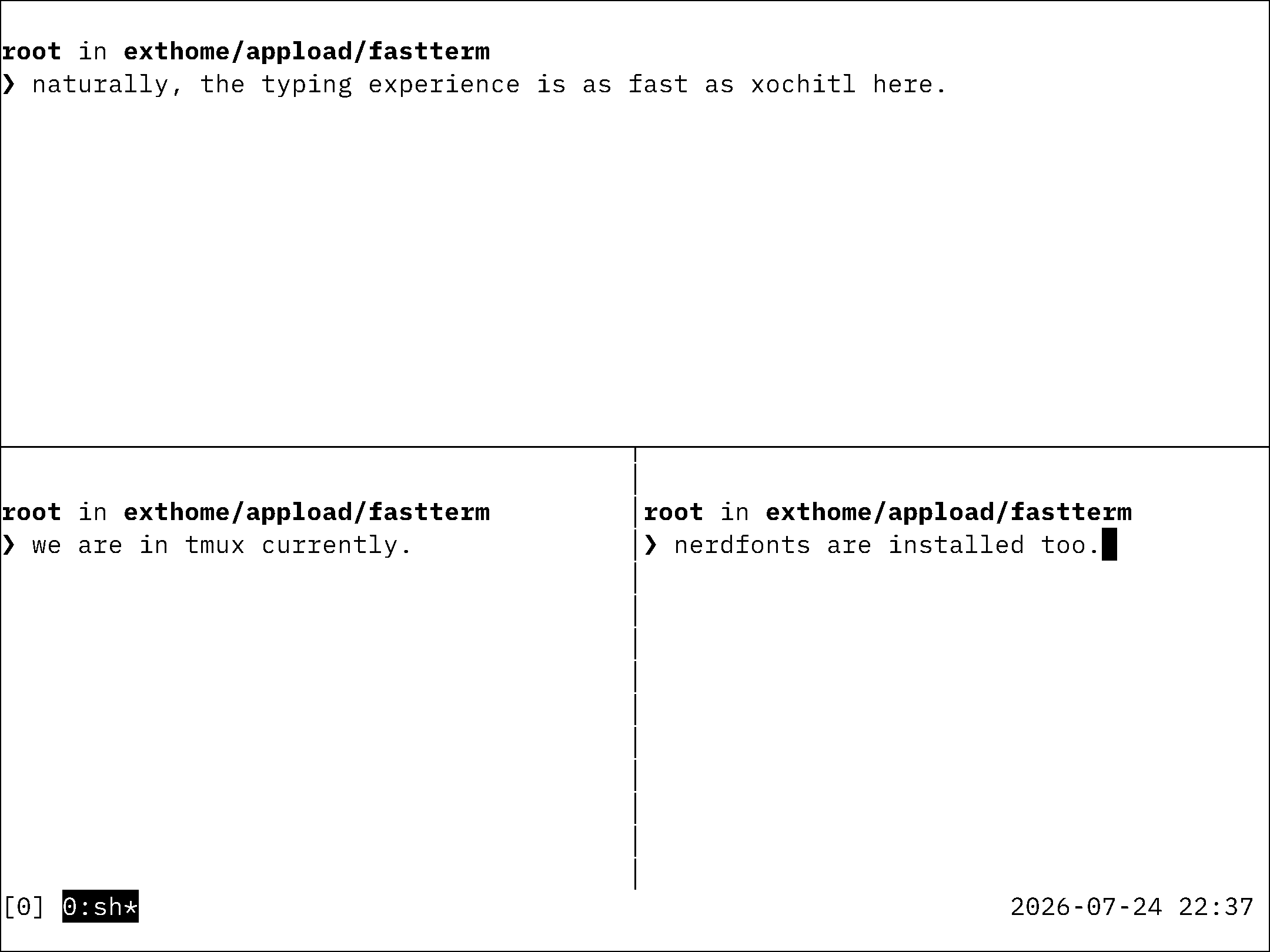
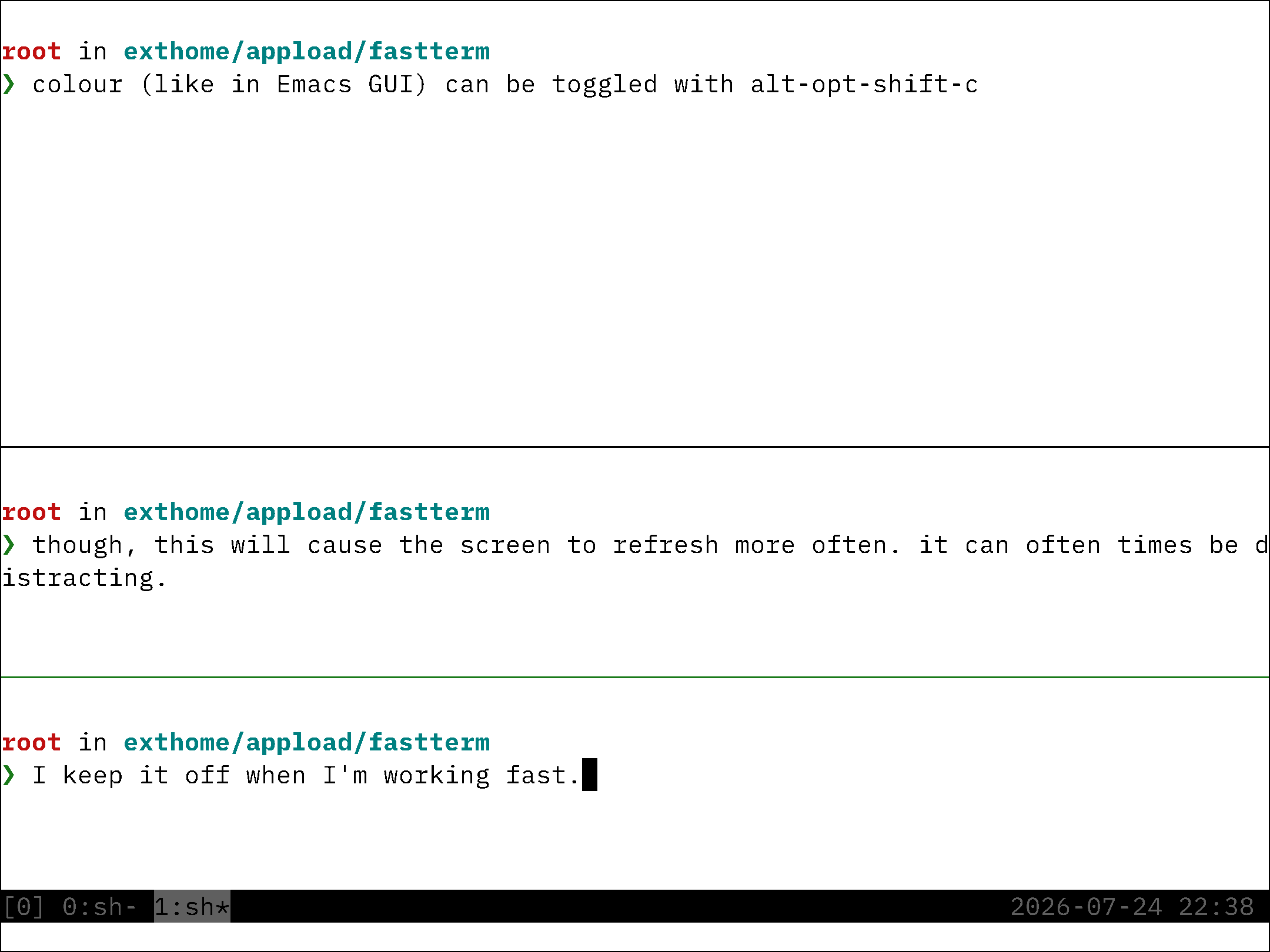
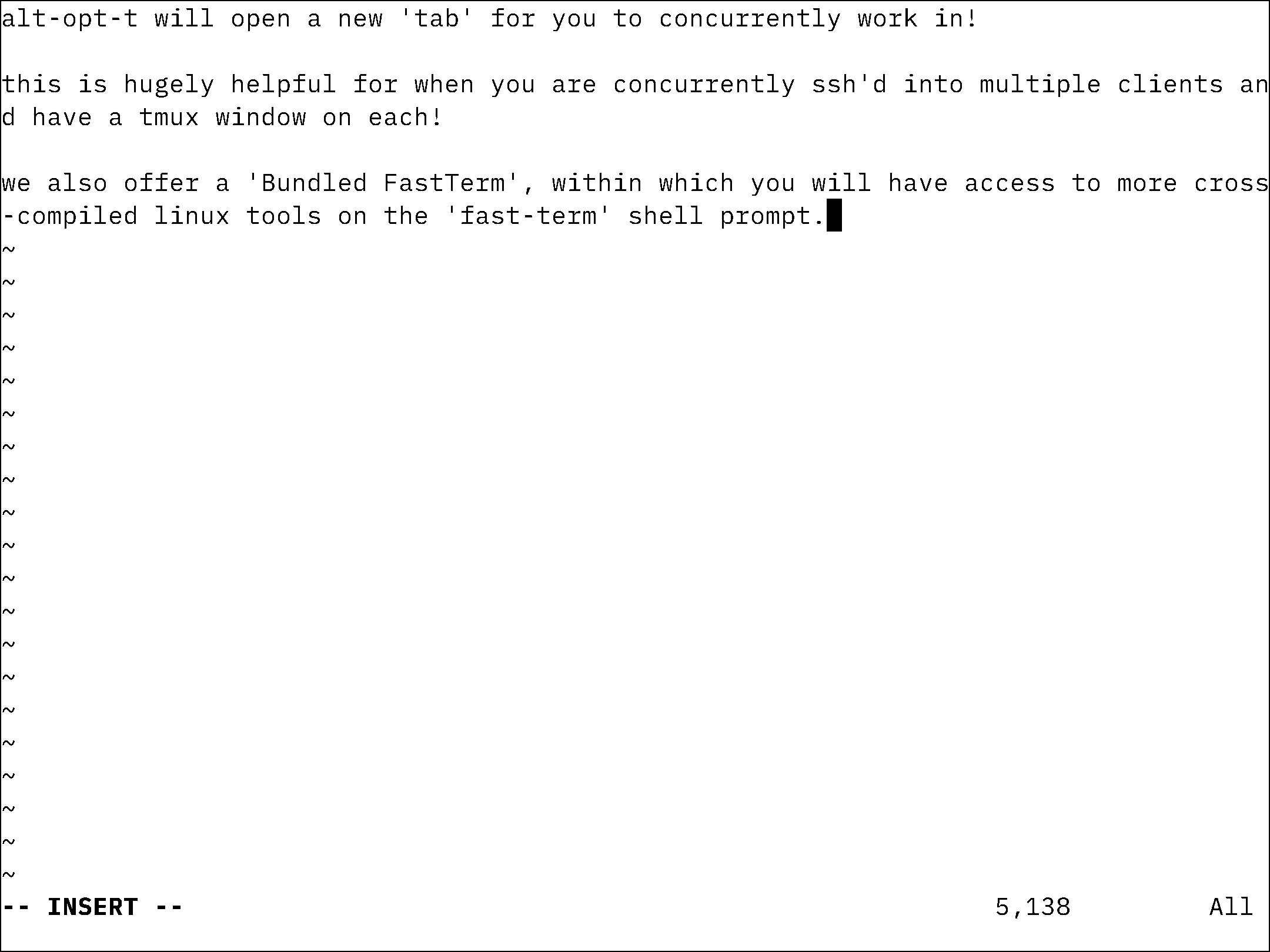
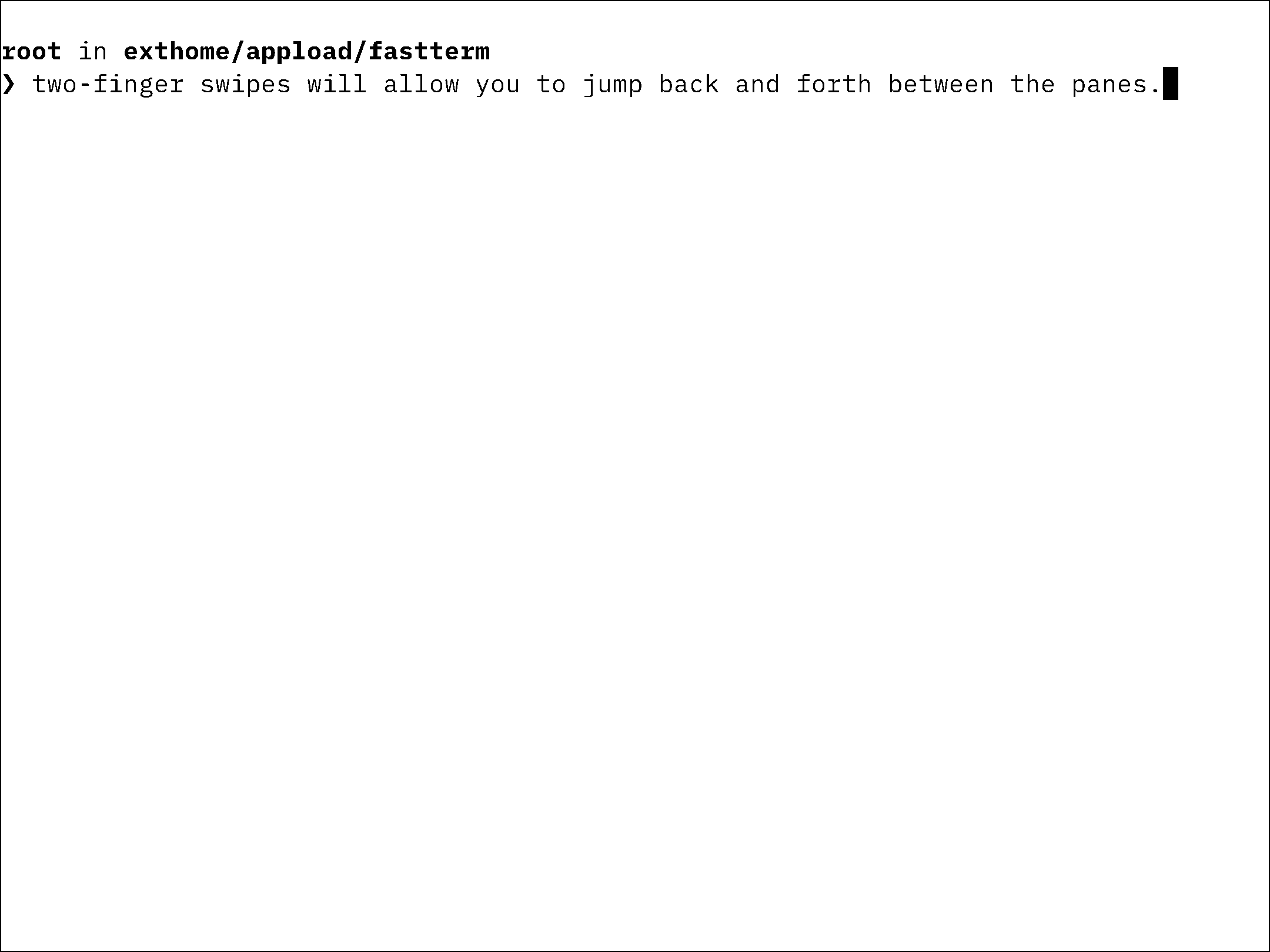
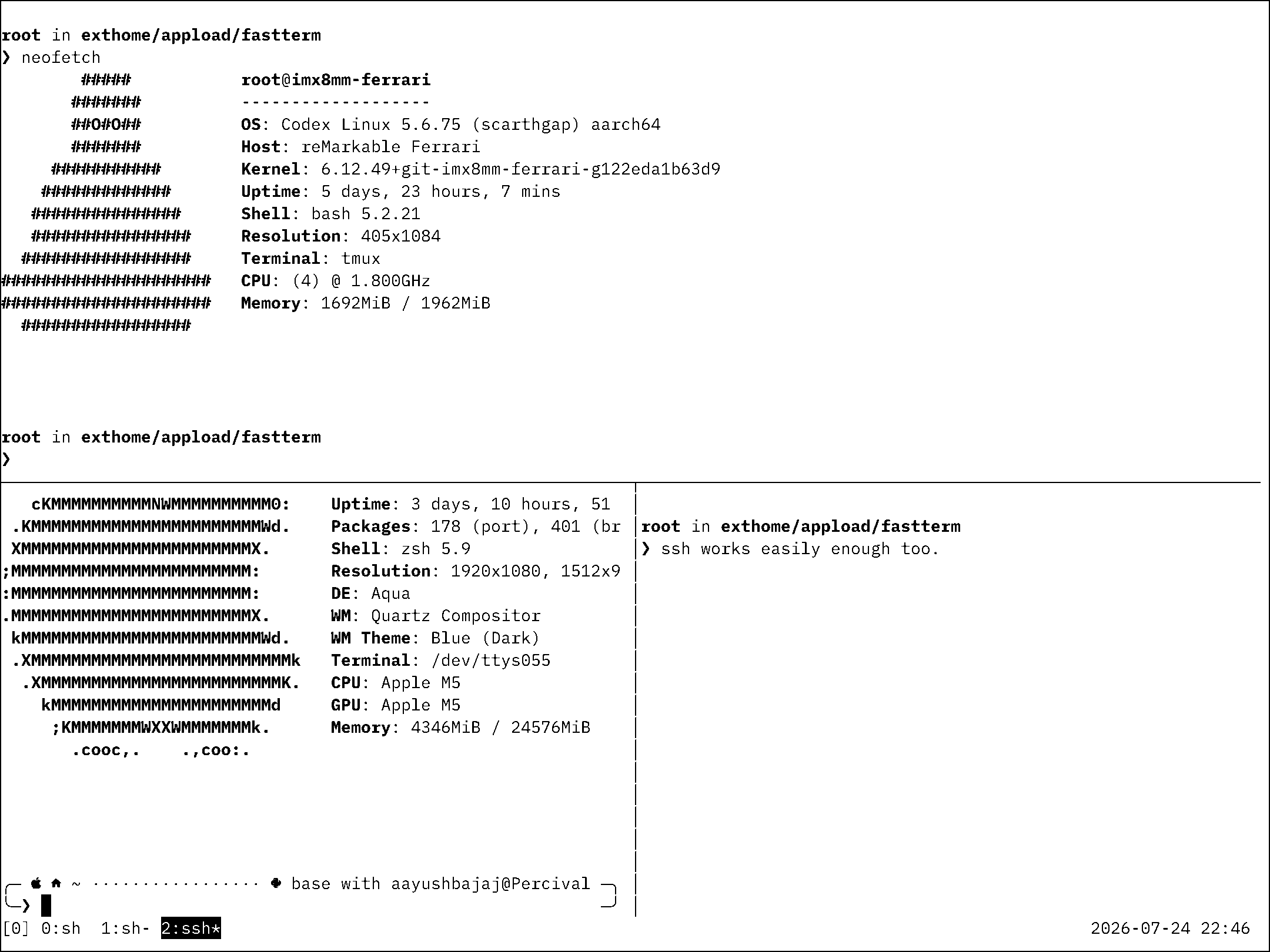
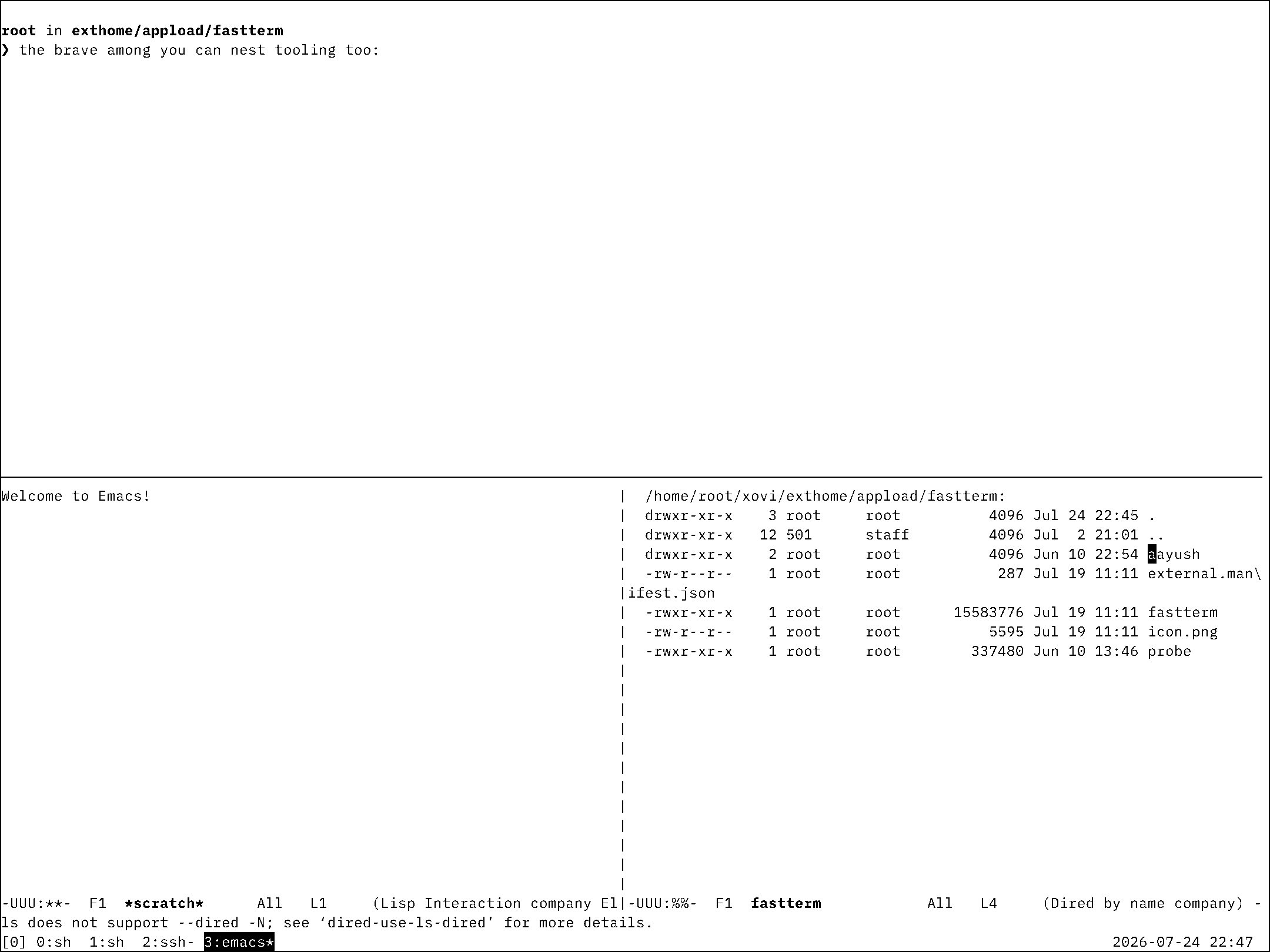
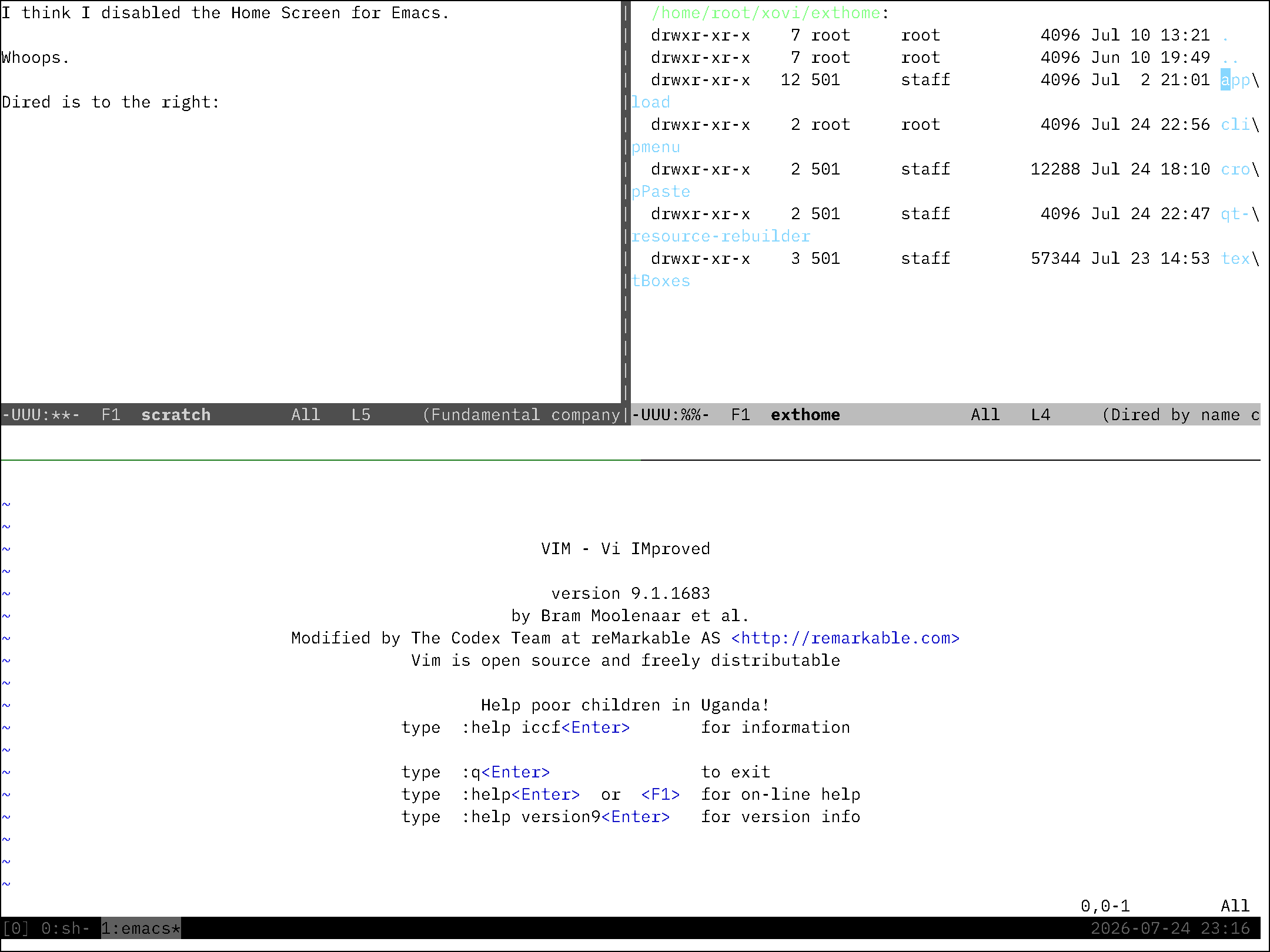
A genuinely fast native terminal for the Paper Pro — forkpty(bash) with a vt100 emulator, raw-evdev keyboard input, per-update e-ink waveform tuning, tabs, clipboard and gestures. The community’s literm is the free answer and it smears; FastTerm types like paper should. Live → /p/fastterm
FastTerm Bundle
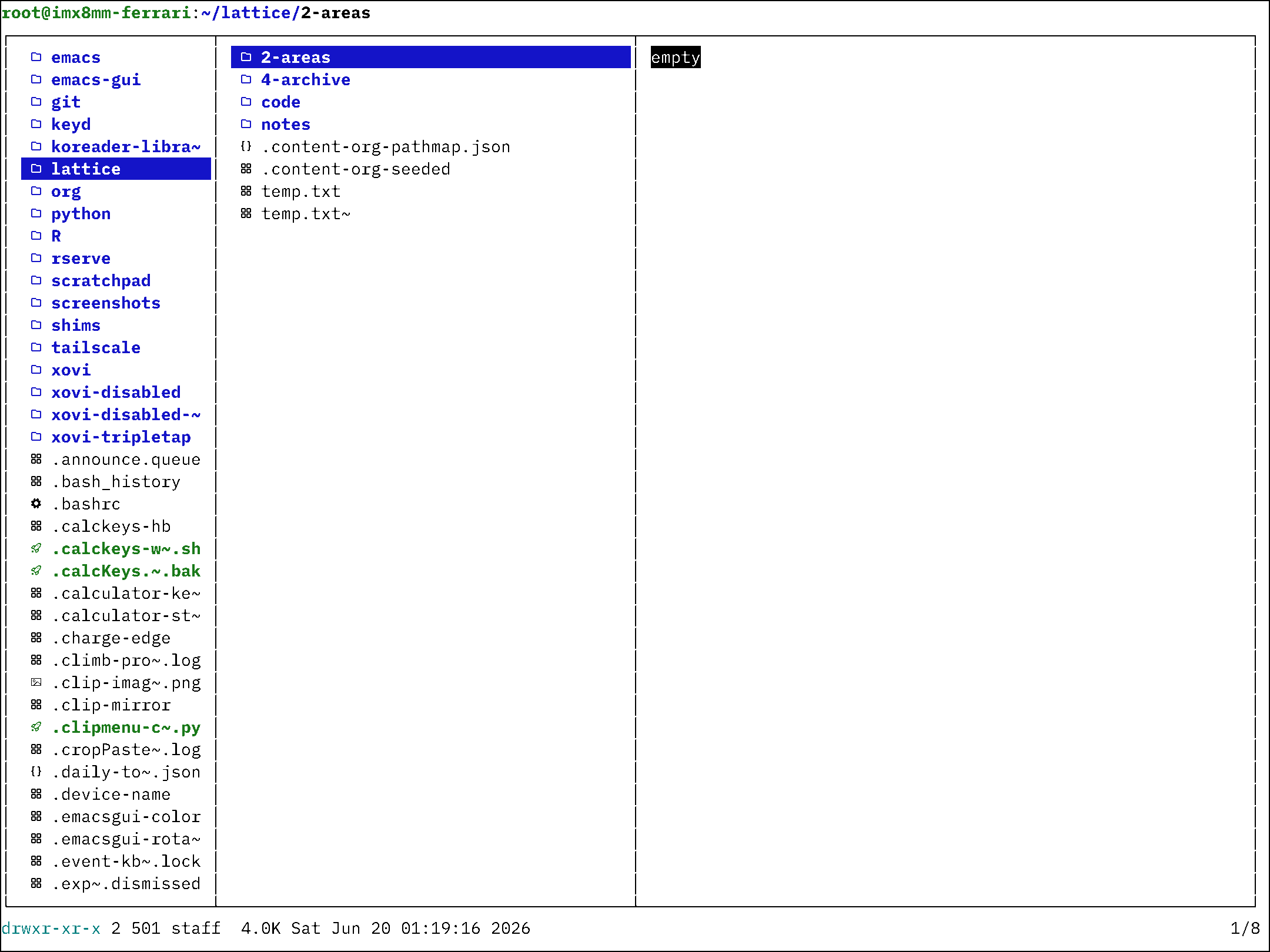
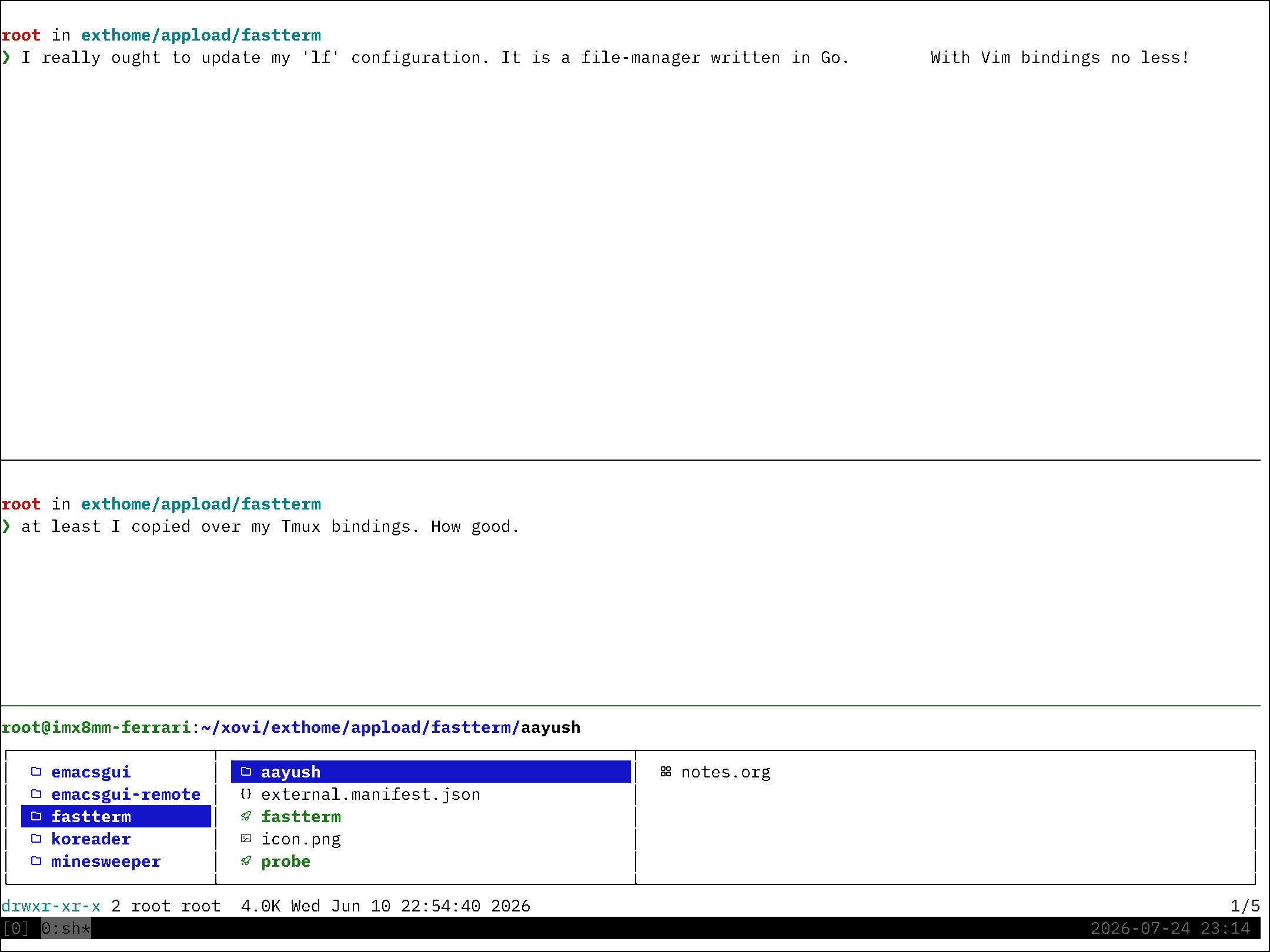
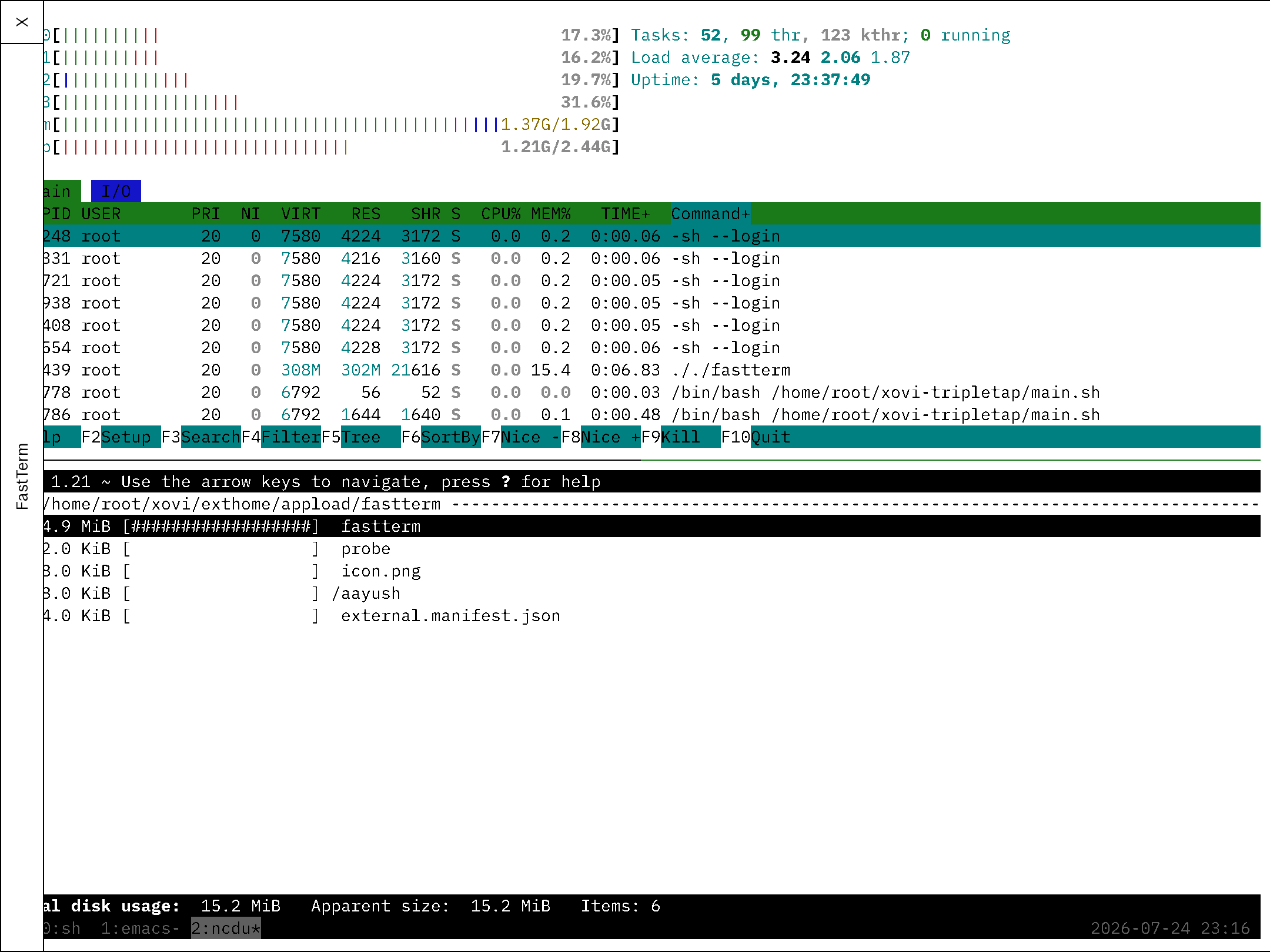
For the full computer: the FastTerm Bundle adds a tested toolkit of cross-compiled developer tools — tmux, htop, ncdu, lf, fzf, ripgrep, fastfetch — one PATH line, nothing on the rootfs, survives firmware updates. Live → /p/fastterm-bundle
cropPaste kit
Draw a rectangle over any notebook or PDF page and clone the pixels — strokes included — onto the system clipboard; paste anywhere as a native image item. Ships with clip-image-sync: a fully self-hostable Mac↔device image clipboard (OpenResty/Lua server + Mac scripts included). Live → /p/croppaste-kit
ankimarkable — Anki for the reMarkable Paper Pro
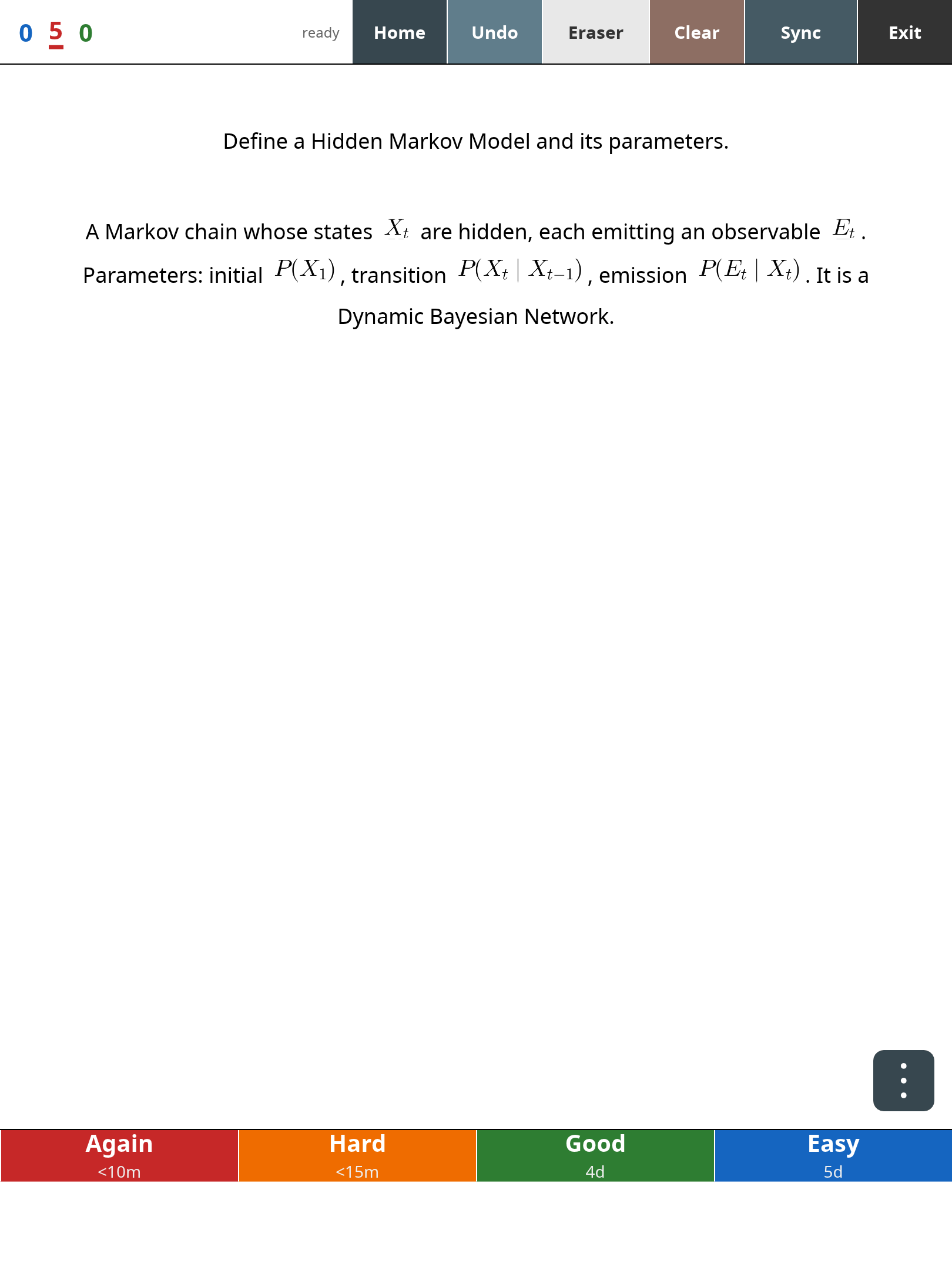
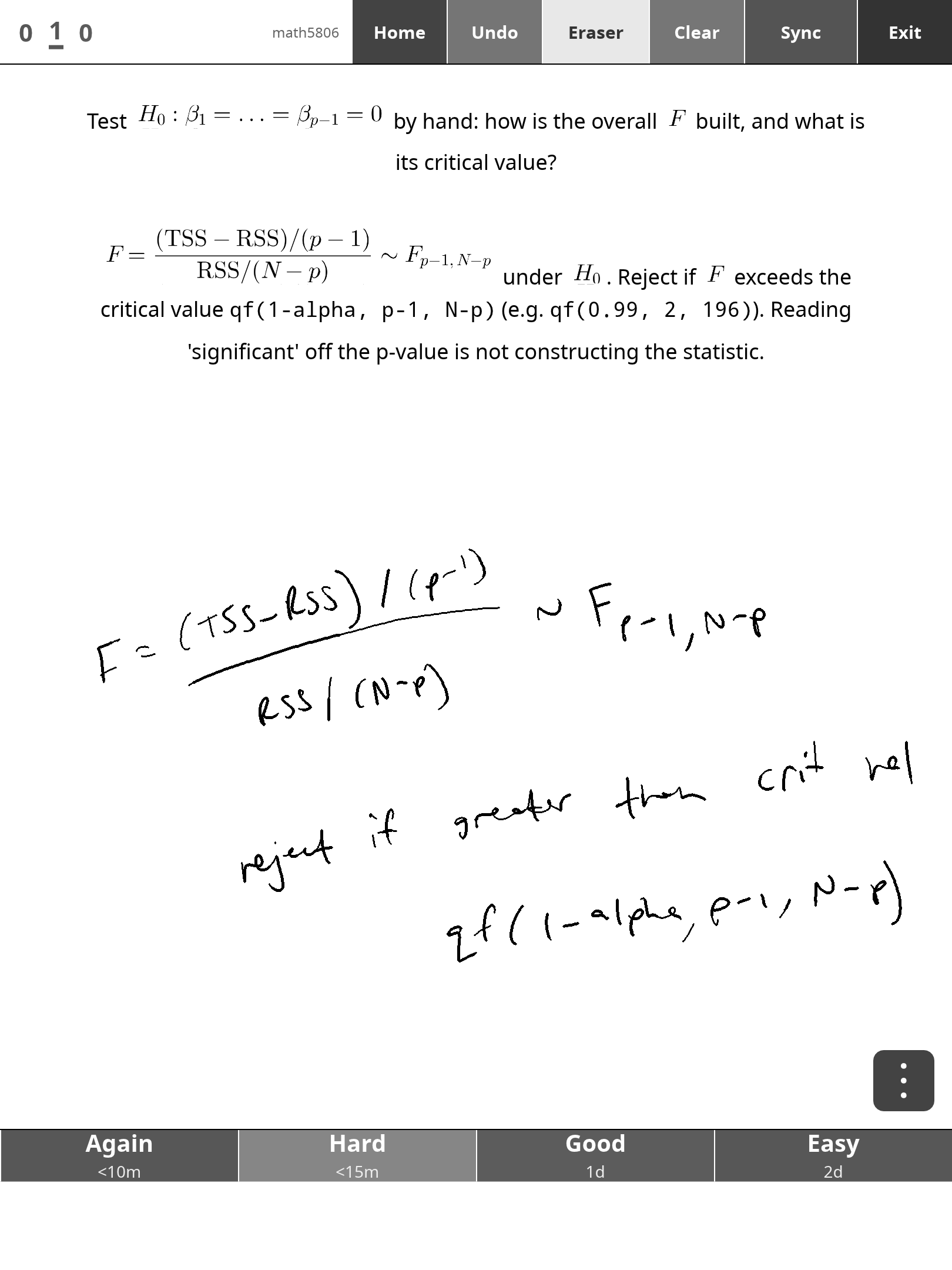
A native Anki client for the reMarkable Paper Pro, with genuine AnkiWeb sync and a pen whiteboard for working answers by hand. Under the hood it is Anki’s actual rslib backend (true .anki2, FSRS scheduler, sync with media), full HTML/CSS card fidelity, and on-device LaTeX math via MicroTeX (fractions, \perp, \stackrel, \boldsymbol; inline math baseline-aligned with the text). The part nothing else has: an AnkiDroid-style pen whiteboard over every card — work the answer by hand with the marker (eraser end works, strokes undo, palms rejected), reveal, compare, grade. Two-finger scroll and pinch-zoom with a real text reflow, and as of 1.2.0 the pen keeps working at any zoom — strokes scale and stay anchored through zoom and scroll. Deck tree + review streak on the home screen, tap the counts to flip colour ↔ black-and-white, bury/suspend/*flag* (all seven Anki colours, named so they read in B&W) from an overflow menu, and every sync ends on a real report — added/modified/removed counts, media, server messages — with failures naming their actual cause. Standalone AppLoad app: no xochitl injection, no bank risk.
AGPL-3.0 — source at github.com/abaj8494/ankimarkable; the bazaar bundle is the tested build with the math helper and fonts packaged. Live → /p/ankimarkable · Move port in progress → /p/ankimarkable-move
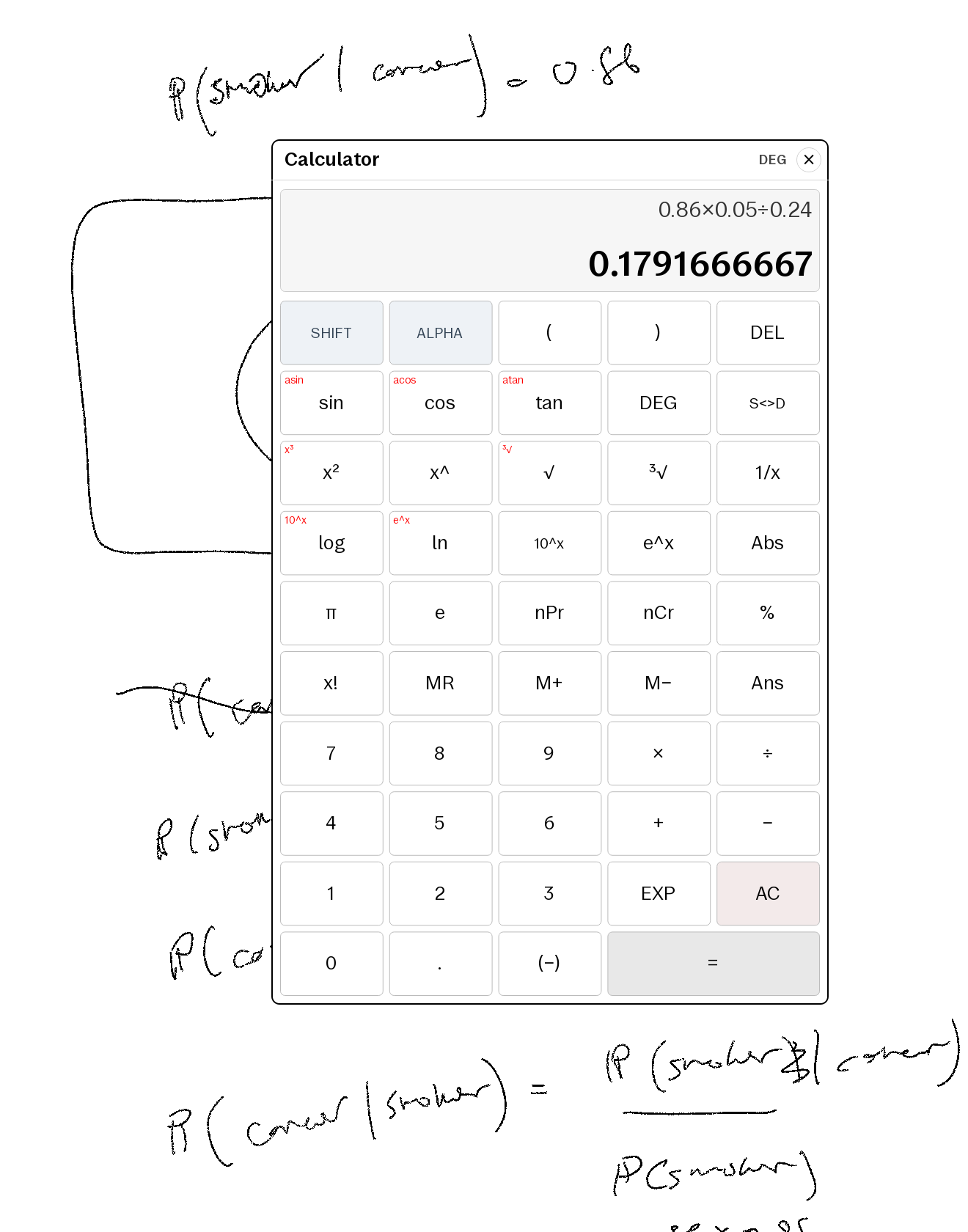
Calculator
The calculator your paper tablet is missing: a Quick Settings tile opens a floating fx-82AU-style scientific calculator over whatever you’re reading or writing — trig and inverses, logs and powers, nPr=/=nCr, factorials, Ans and independent memory, DEG=/=RAD, S⇔D fractions, Casio-style implicit multiply and optional close-parens. A pure QML/JS evaluator (no eval(), no network); the shipped .qmd patch is plaintext, so you can read every line before installing, and every id is namespaced so it coexists with other qmd tweaks. Live → /p/calculator
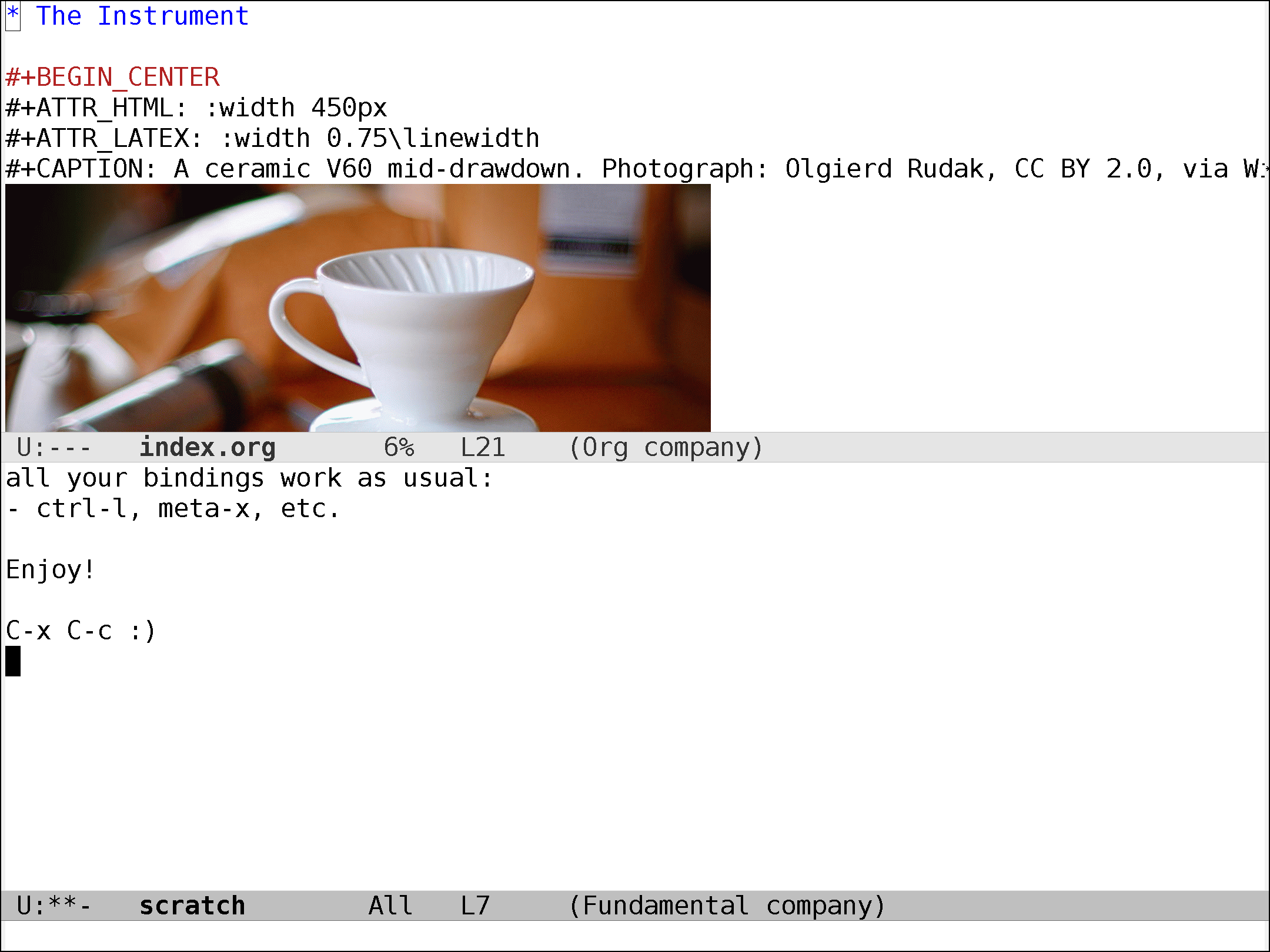
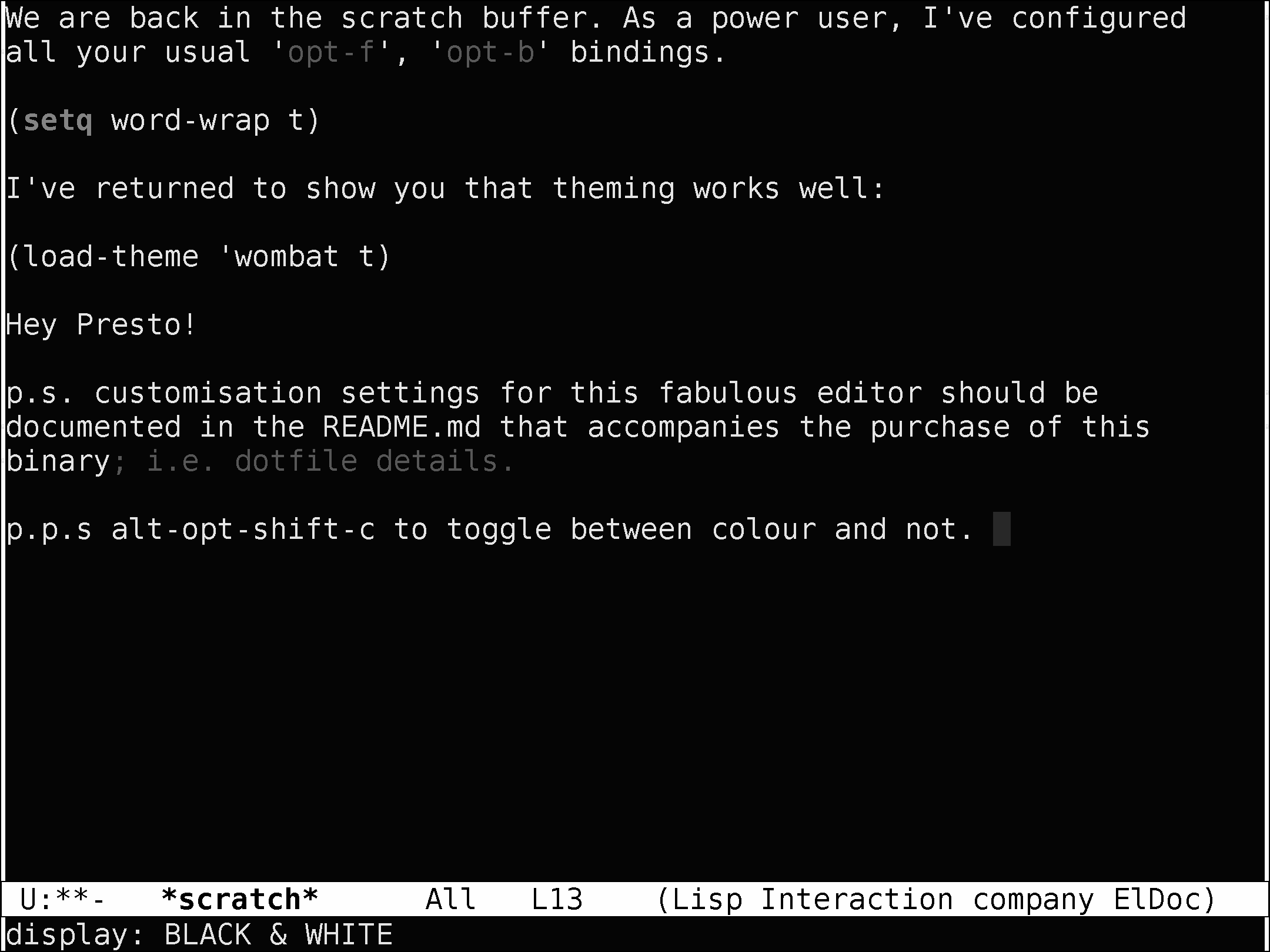
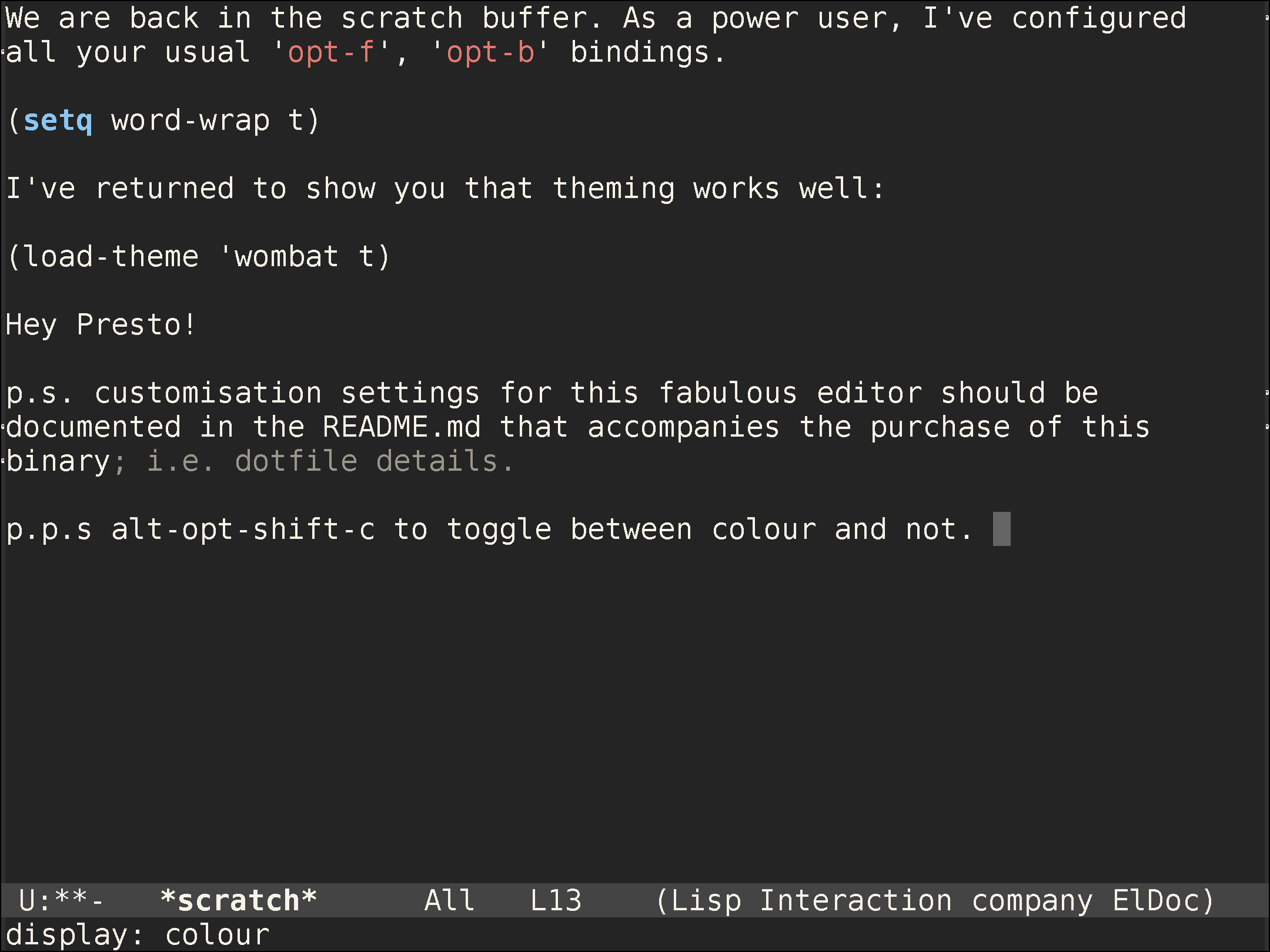
emacsgui
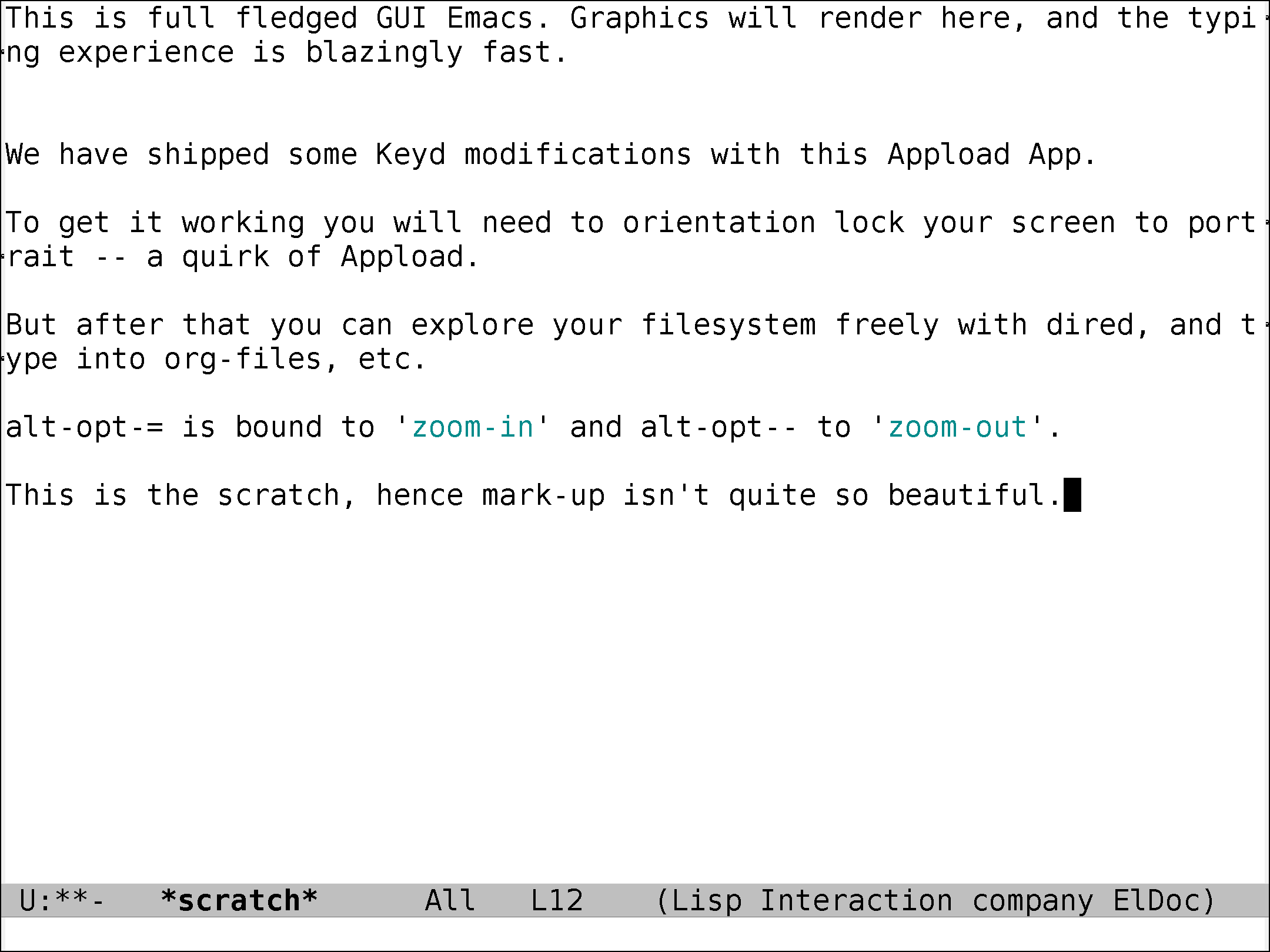
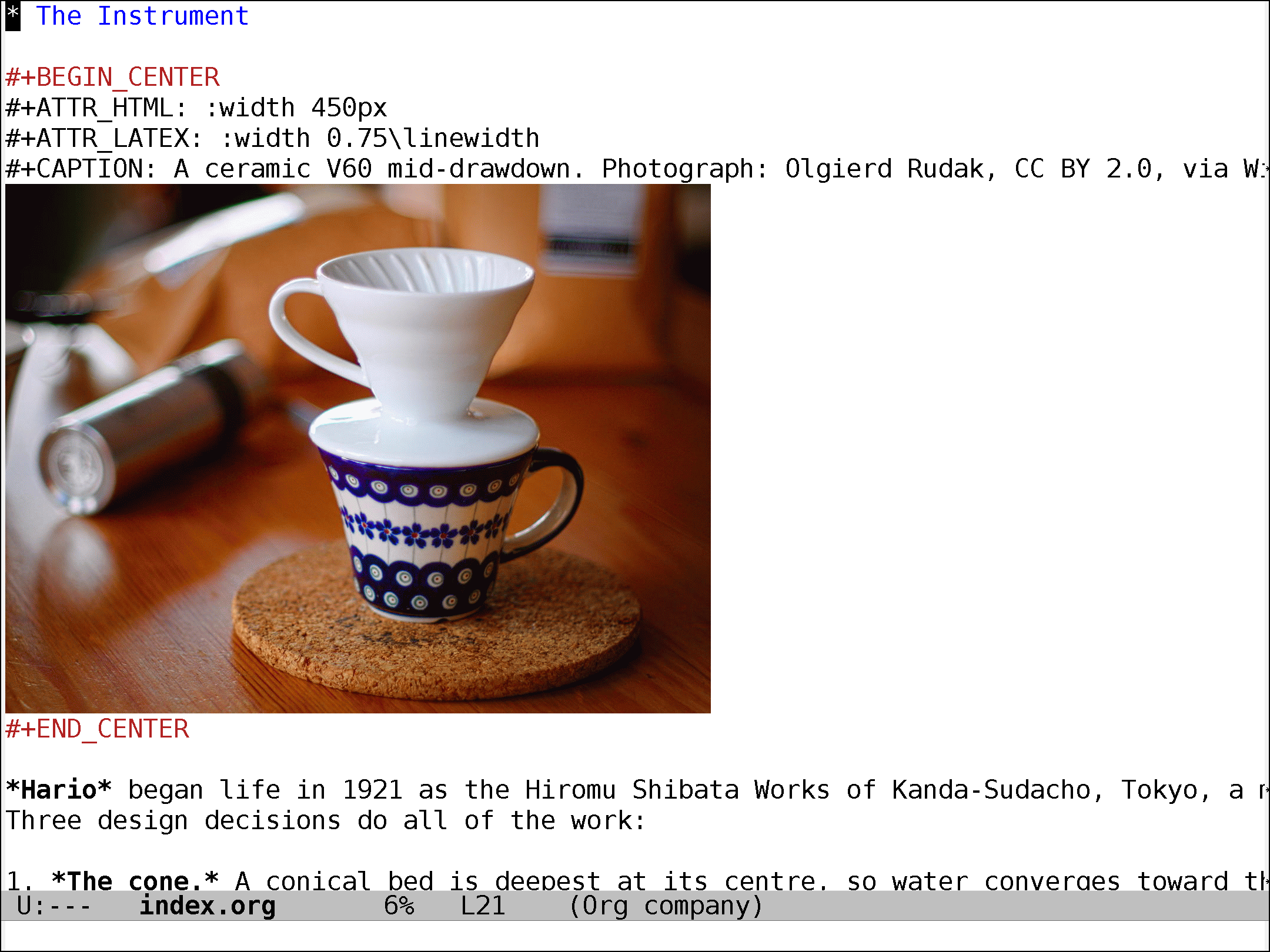
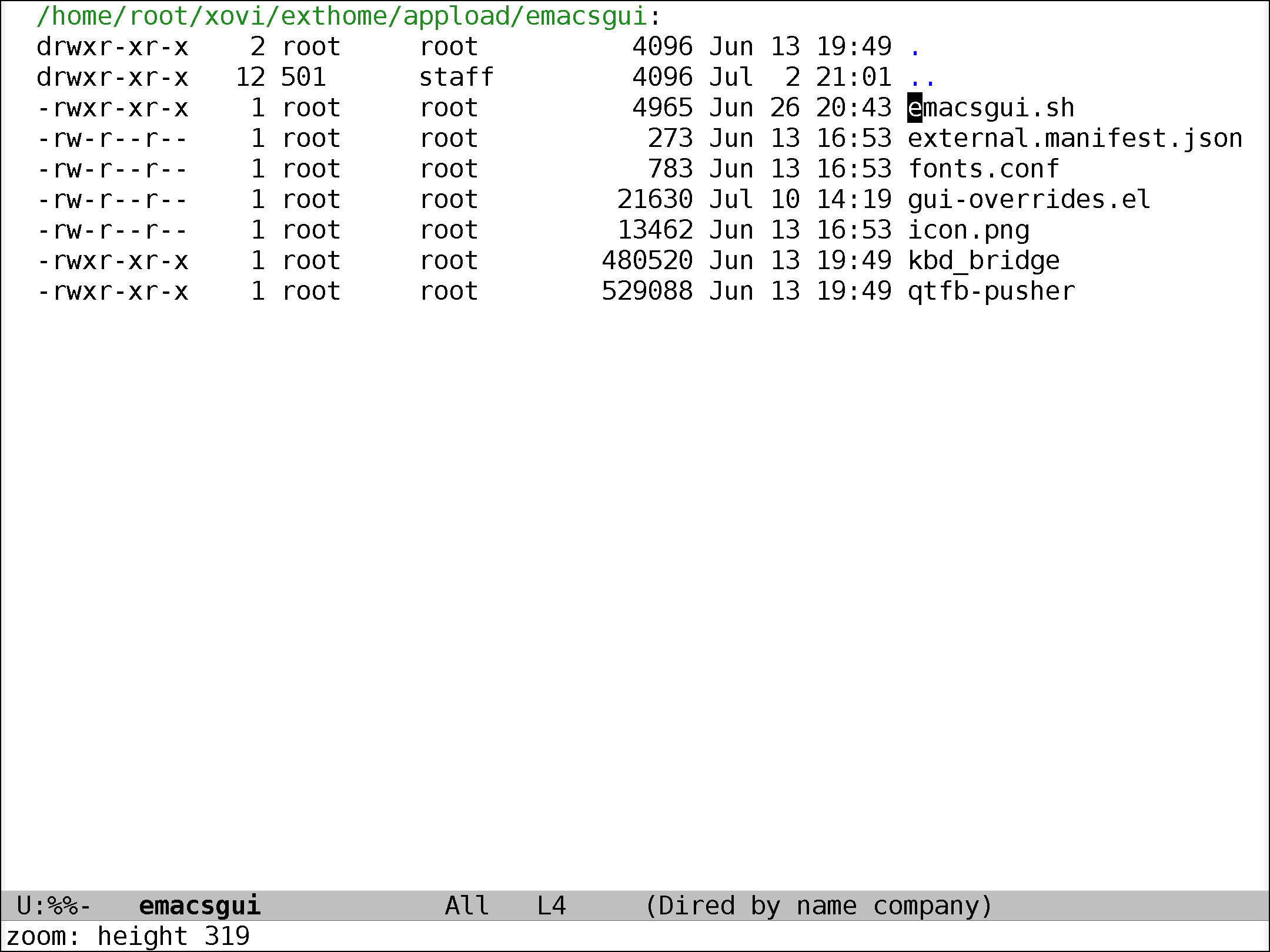
Actual GNU Emacs 30.1, graphically, on e-ink: a headless X server, a damage-rect framebuffer pusher with e-ink-tuned waveforms, and a raw Type Folio keyboard bridge so Ctrl/Meta chords land like on a laptop. Your own init.el loads first; rotate/zoom/B&W toggles built in; keyd ships with a layout-agnostic pass-through config (skipped if you already run your own). GPL corresponding source for Emacs is in the box. Sold strictly as-is: firmware 3.26.0.68 only, no updates ever. Live → /p/emacsgui
Quick Settings tools
The drawer, made useful — four tiles, each sold on its own page.
Timer
A countdown one swipe away: duration picker with presets, triple-digit countdowns up to 999 minutes (type straight into the number box), a floating ⏳ mm:ss pill that widens to fit, long-press pause/resume, and a full-screen “Timer ended” card over whatever you’re doing. Live → /p/timer
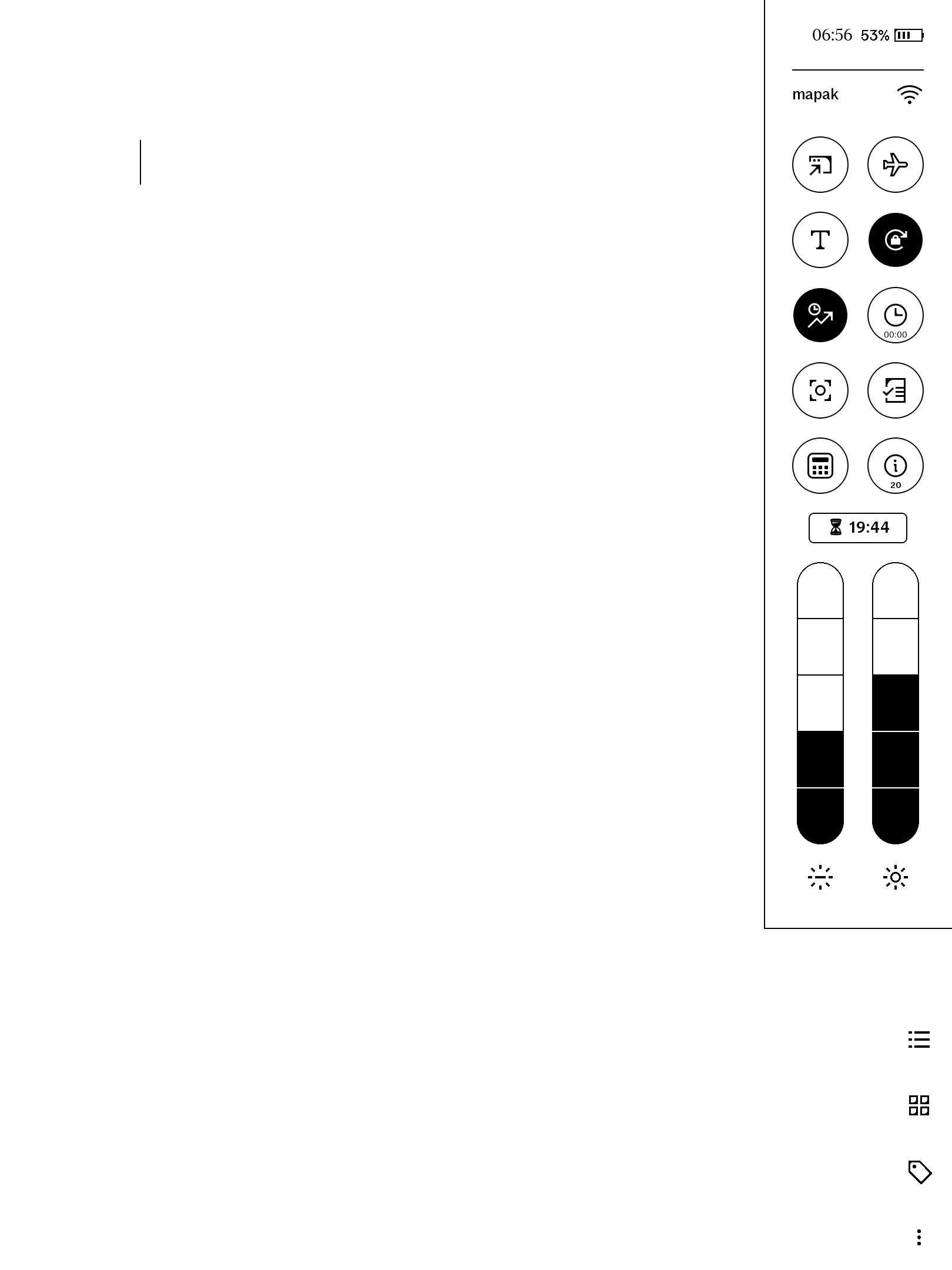
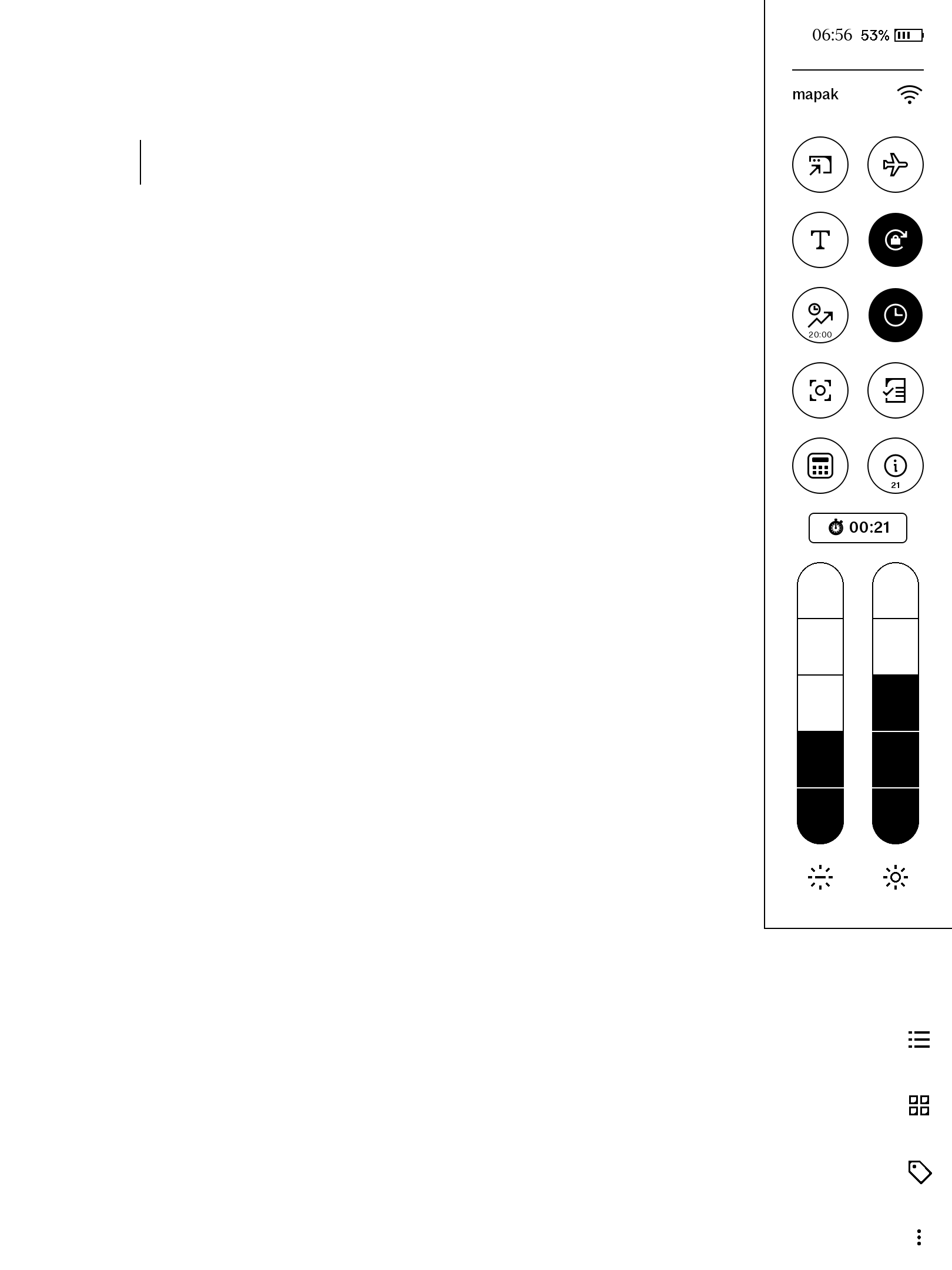
Stopwatch
Tap to run or pause, long-press to reset, running pill while you work. It is a
true wall-clock now: close the drawer, restart, let the device sleep — come back
and it is still counting, h:mm:ss past the hour, and only a long-press ever
clears it. Live → /p/stopwatch
timerMode combo
Timer and Stopwatch together, cheaper than the pair — same triple-digit-minute picker as the standalone Timer, same keeps-running stopwatch as the standalone Stopwatch. Live → /p/timermode-combo
shoppingMode — Move only
A padlock tile that holds the folio’s cover-close sleep off for an hour — groceries with the cover flipped back, no lock screen every time you look down. Auto-releases at the deadline and survives a reboot. Live → /p/shoppingmode
pen tools
For people who actually draw. Every patch here is plaintext qmldiff you can read before installing.
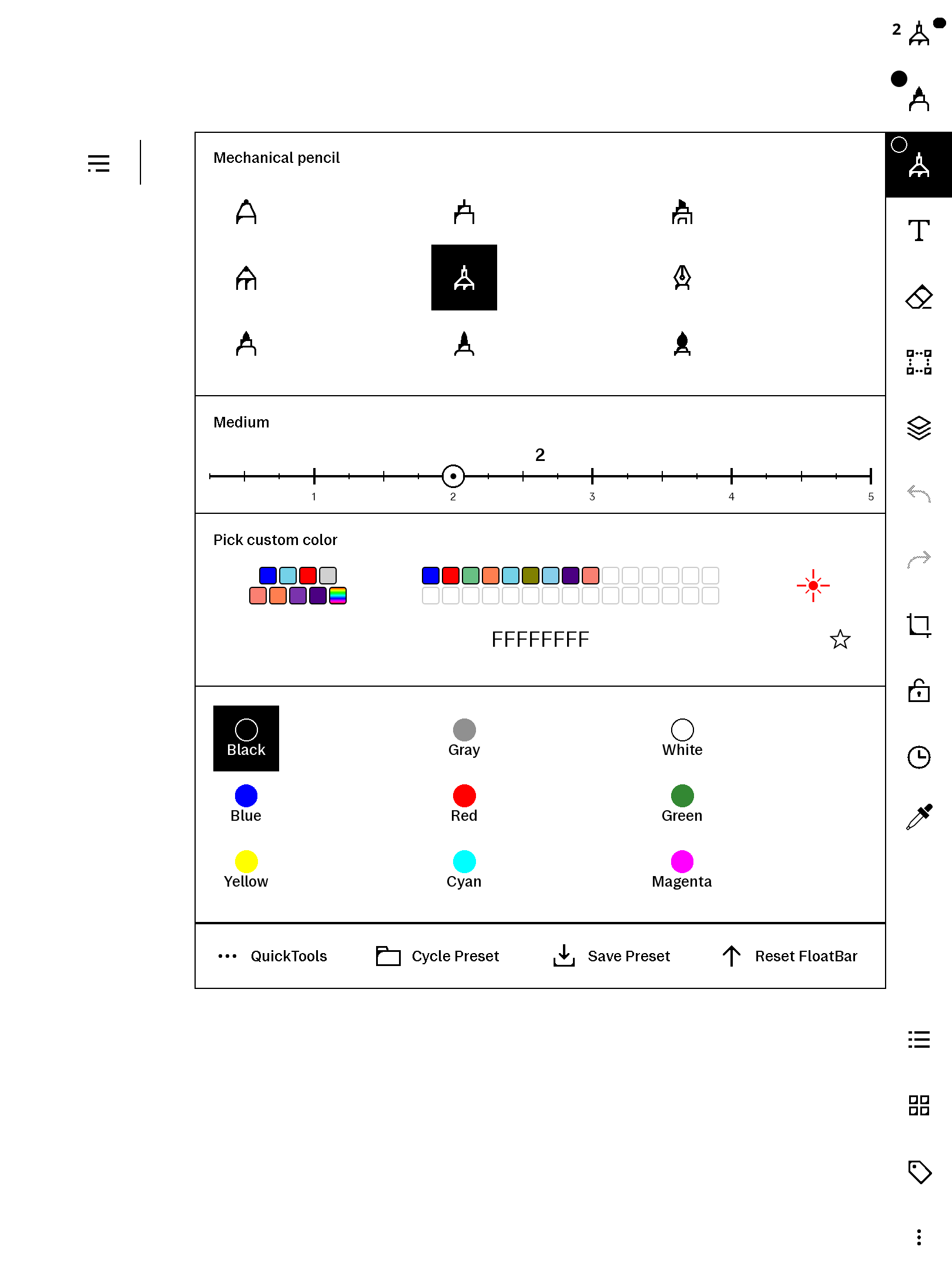
penWidths
Replaces the three stock width dots with a real snapping slider — pen and eraser, quarter-step magnets, keyboard entry up to 20. Live → /p/penwidths
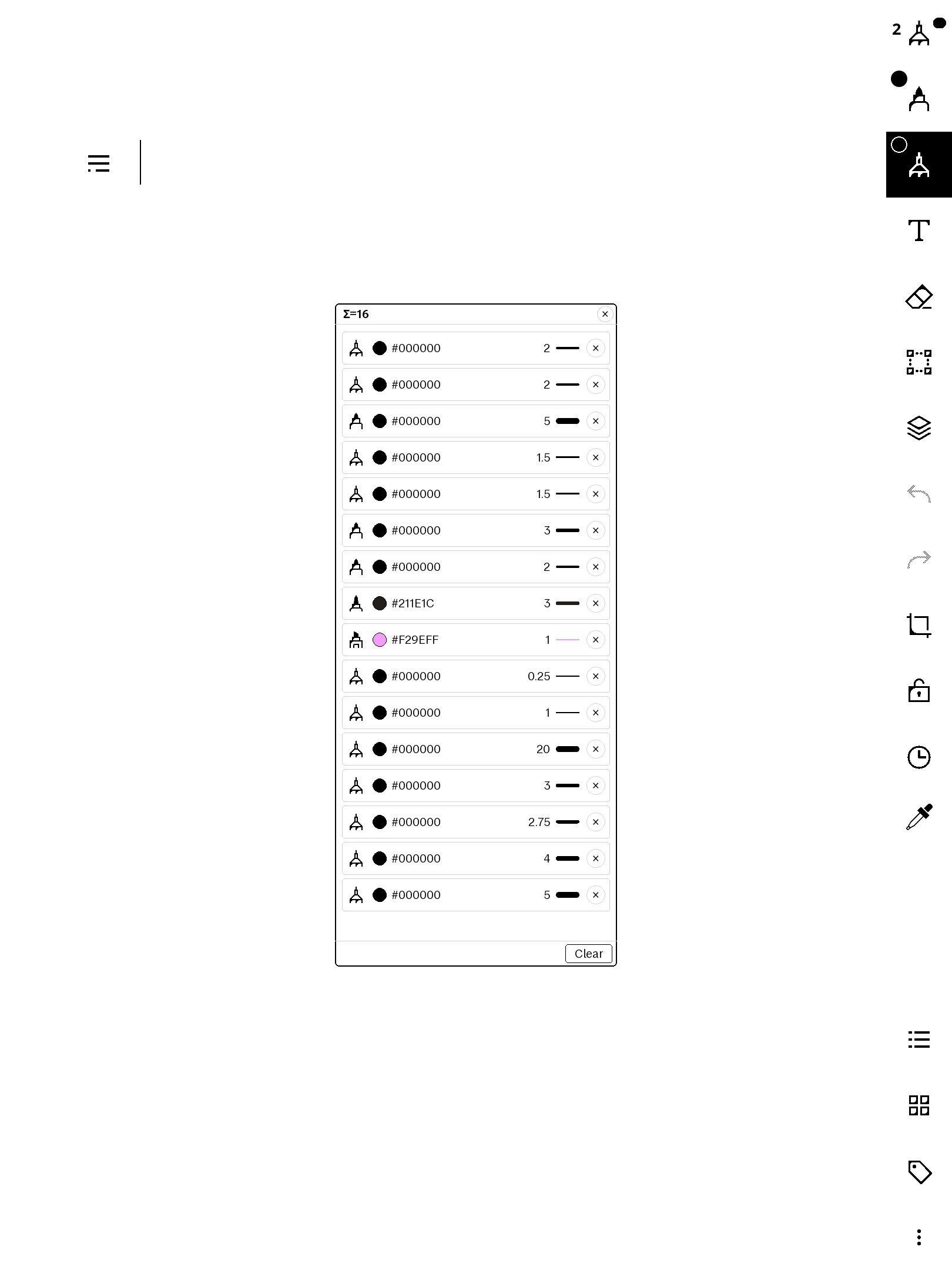
penHistory
A tappable log of your recent strokes — pen, colour, width — with per-stroke delete and one-tap re-apply. Live → /p/penhistory
eyeDropper
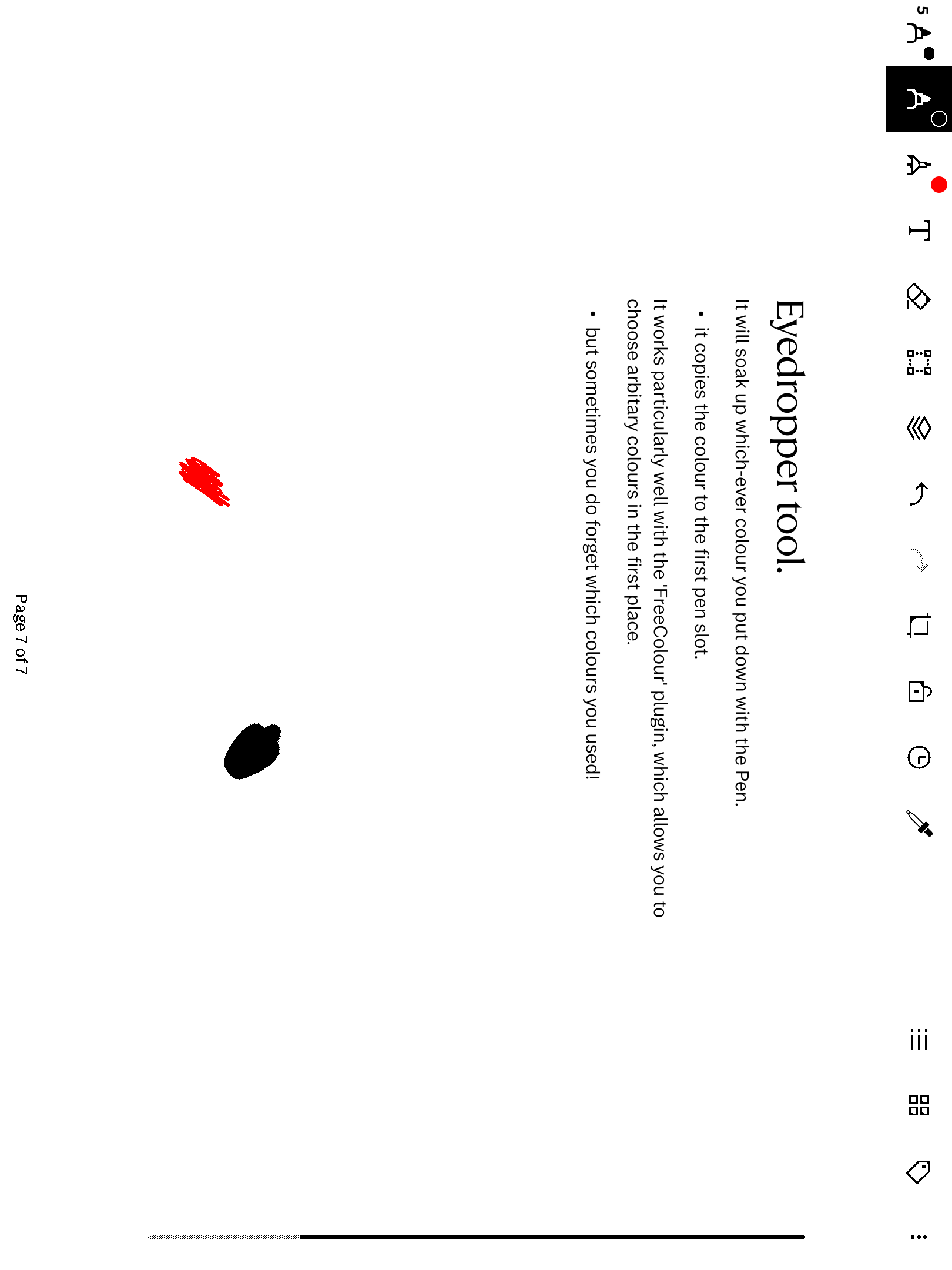
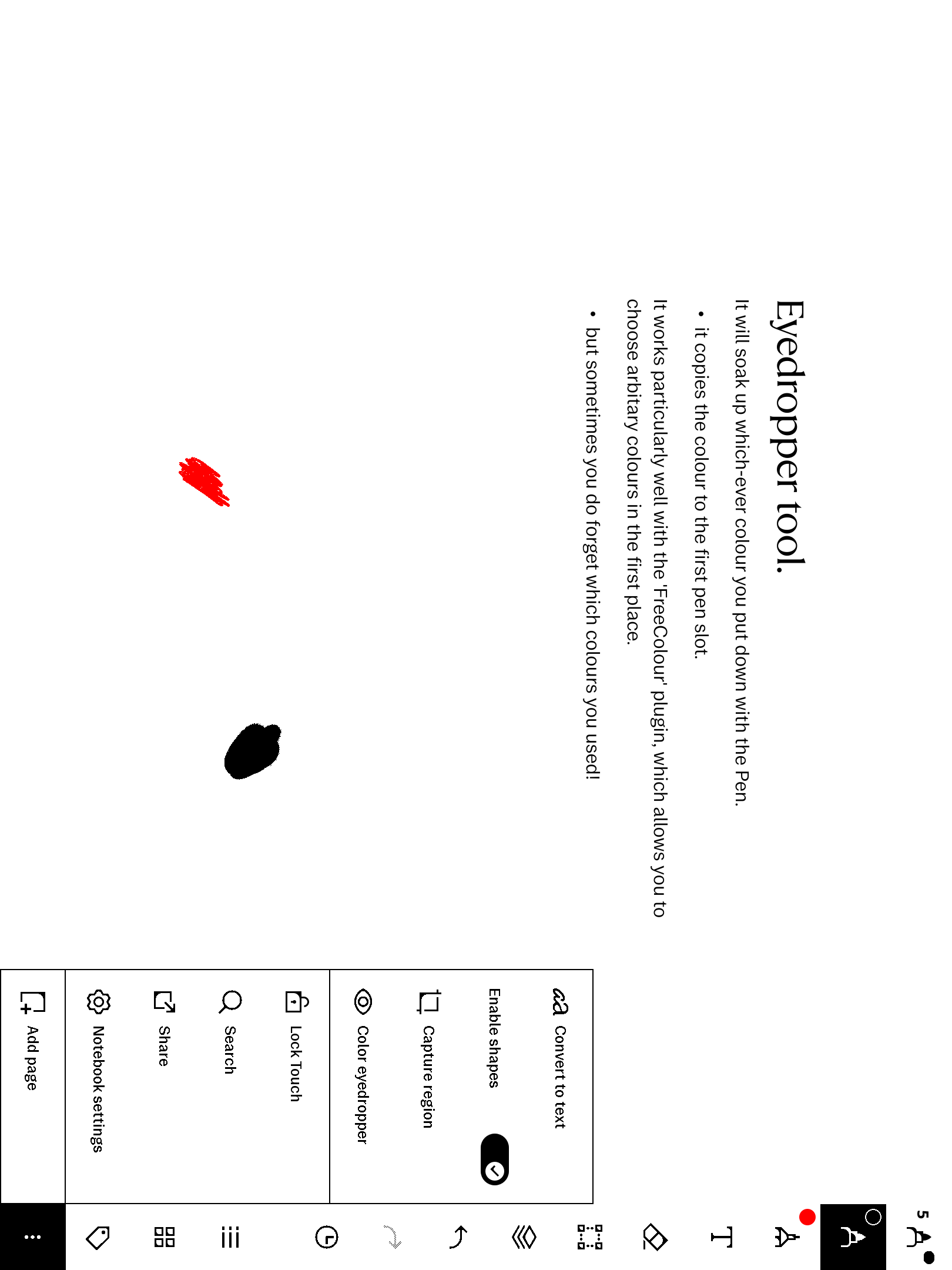
Tap any stroke and its exact colour lands on the pen you’re holding. Live → /p/eyedropper
freeColour
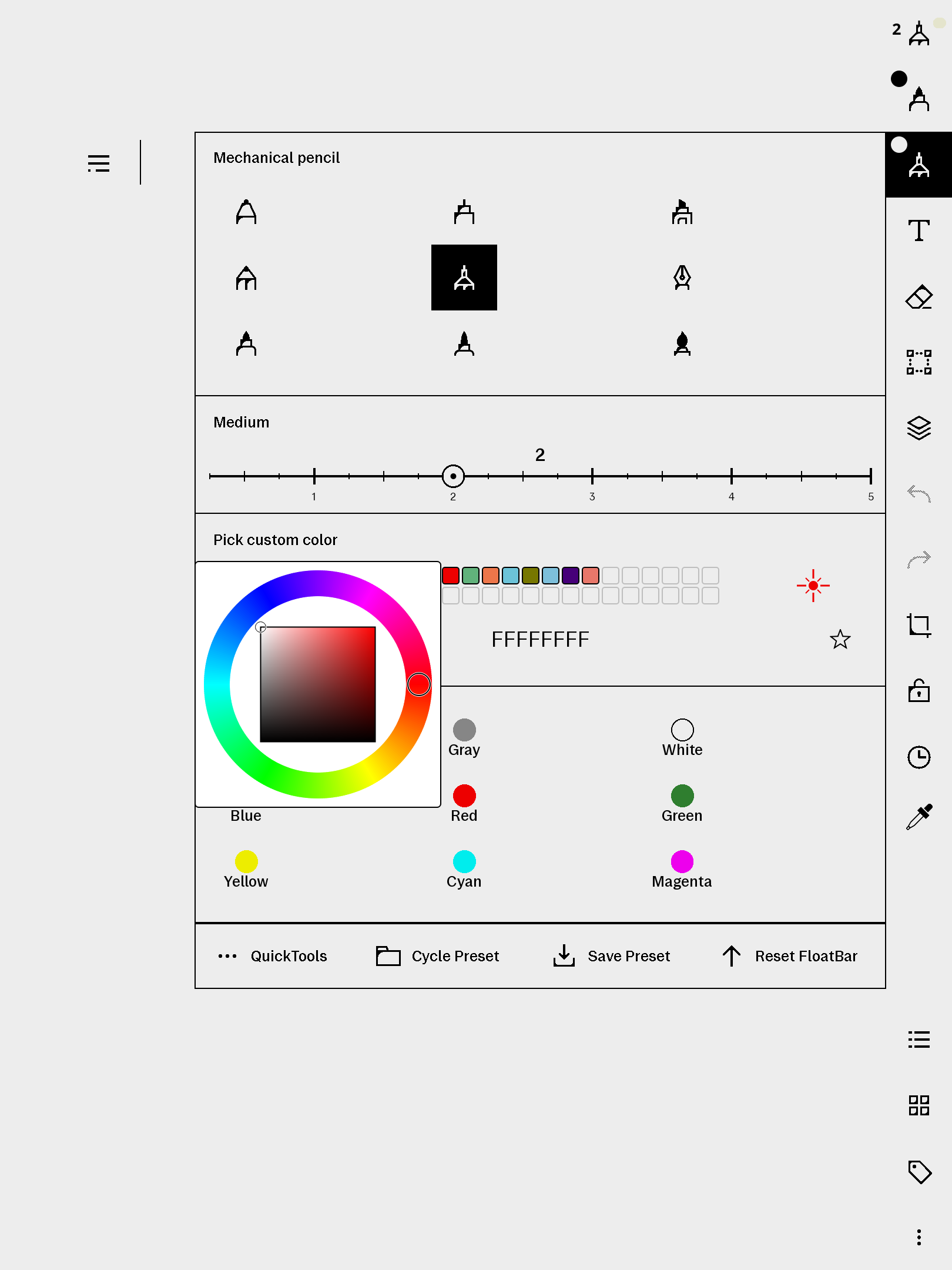
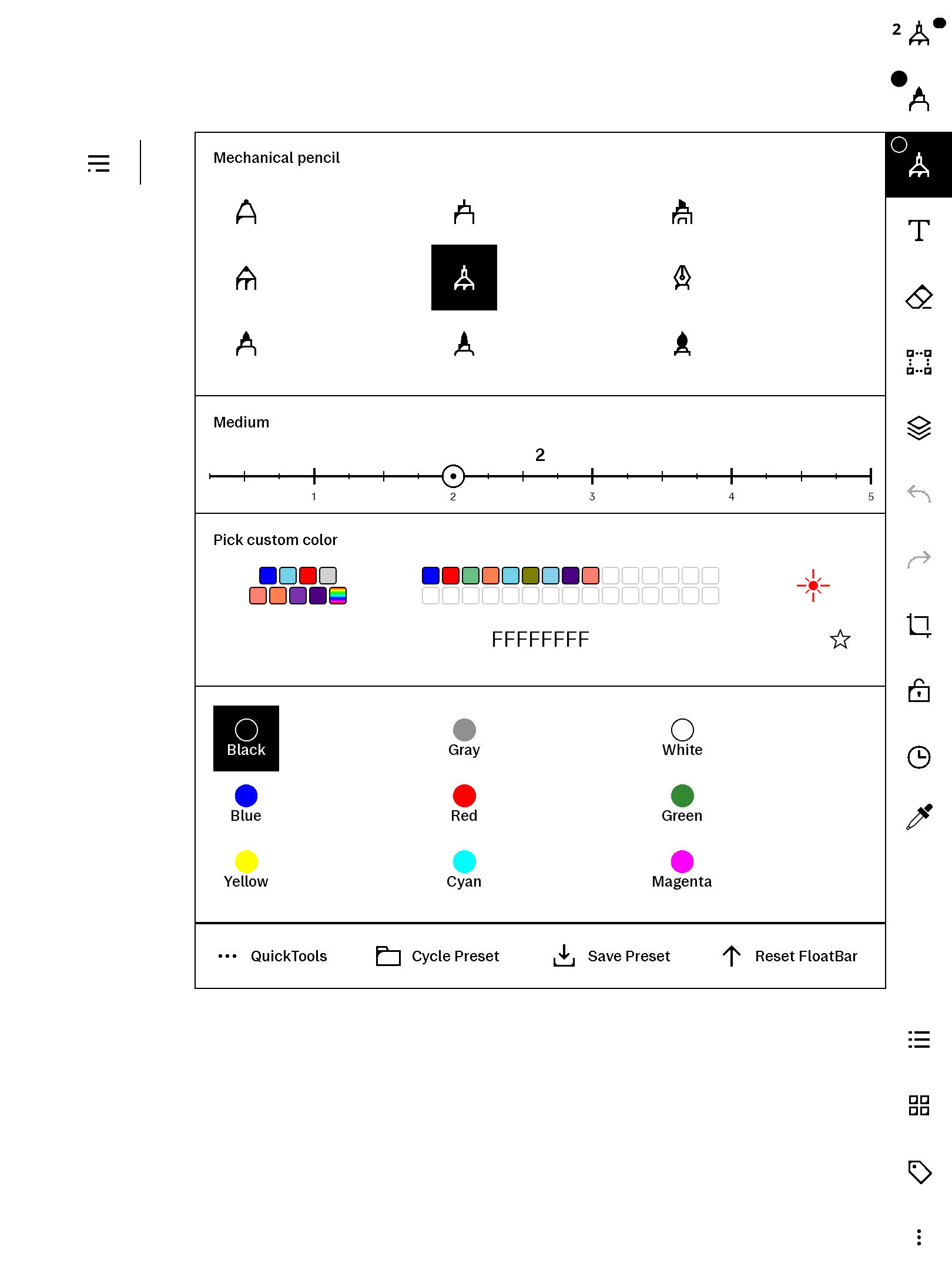
The full HSV colour wheel over the pen menu — favourites with naming, hex entry, eight recents. Live, shipped as the exact build proven in daily use → /p/freecolour
laserPen
A presentation pen whose strokes erase themselves, newest-first — gesture over a document without leaving ink. Mounts inside freeColour’s colour row. Live → /p/laserpen
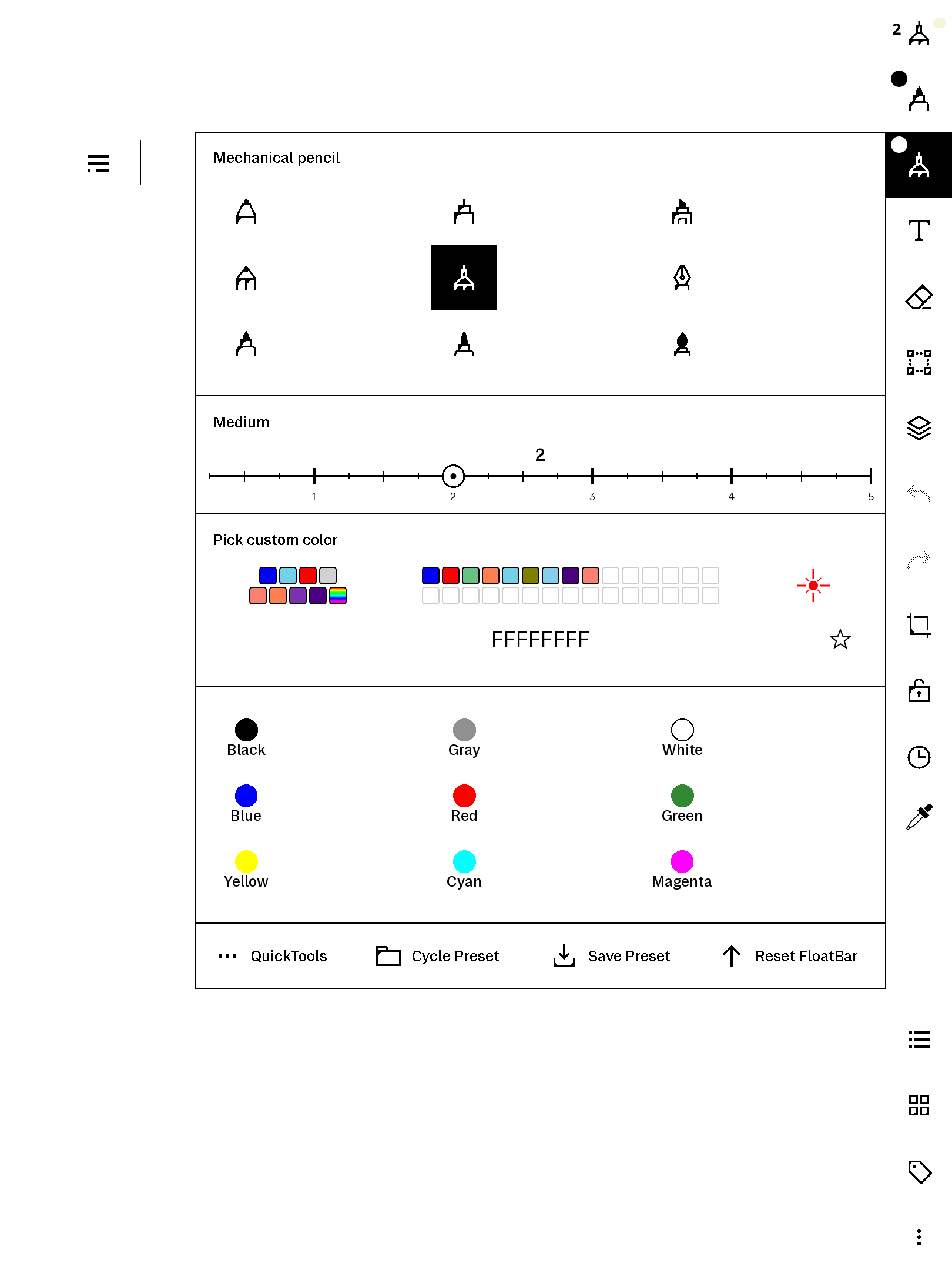
The colour suite
freeColour + laserPen together for less than the pair — one zip, both manuals. Live → /p/colour-suite
knockCode
An LG-G2-style knock lock: the sleep screen becomes four invisible quadrants and your knock pattern unlocks the device — no PIN pad, just a blank page that knows you. Maps onto the native passcode; the listing documents the SSH recovery path in full, because selling a lock screen honestly means telling you how to get back in. Live → /p/knockcode

games & a planner
All AppLoad apps: external processes, no system patching.
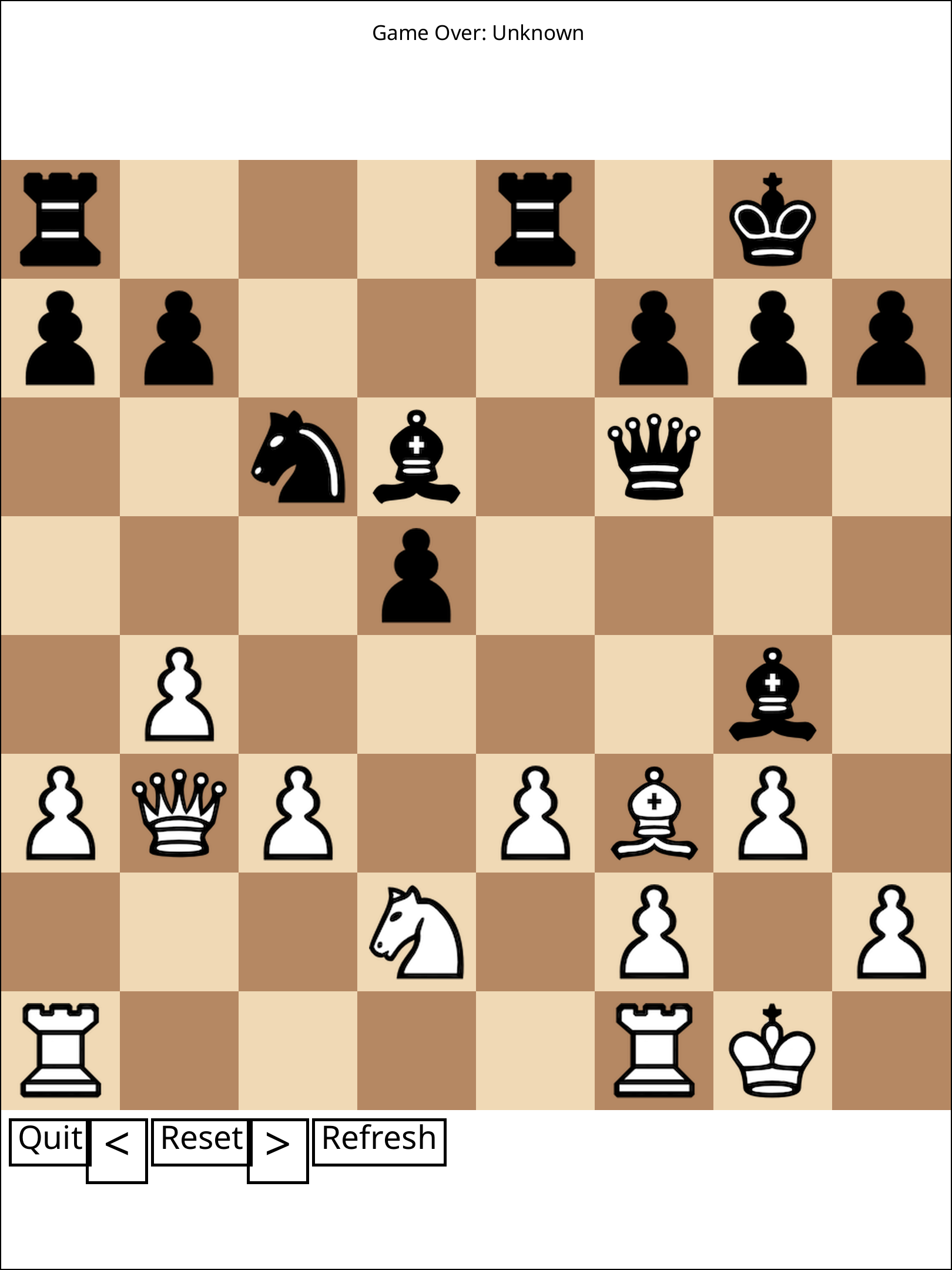
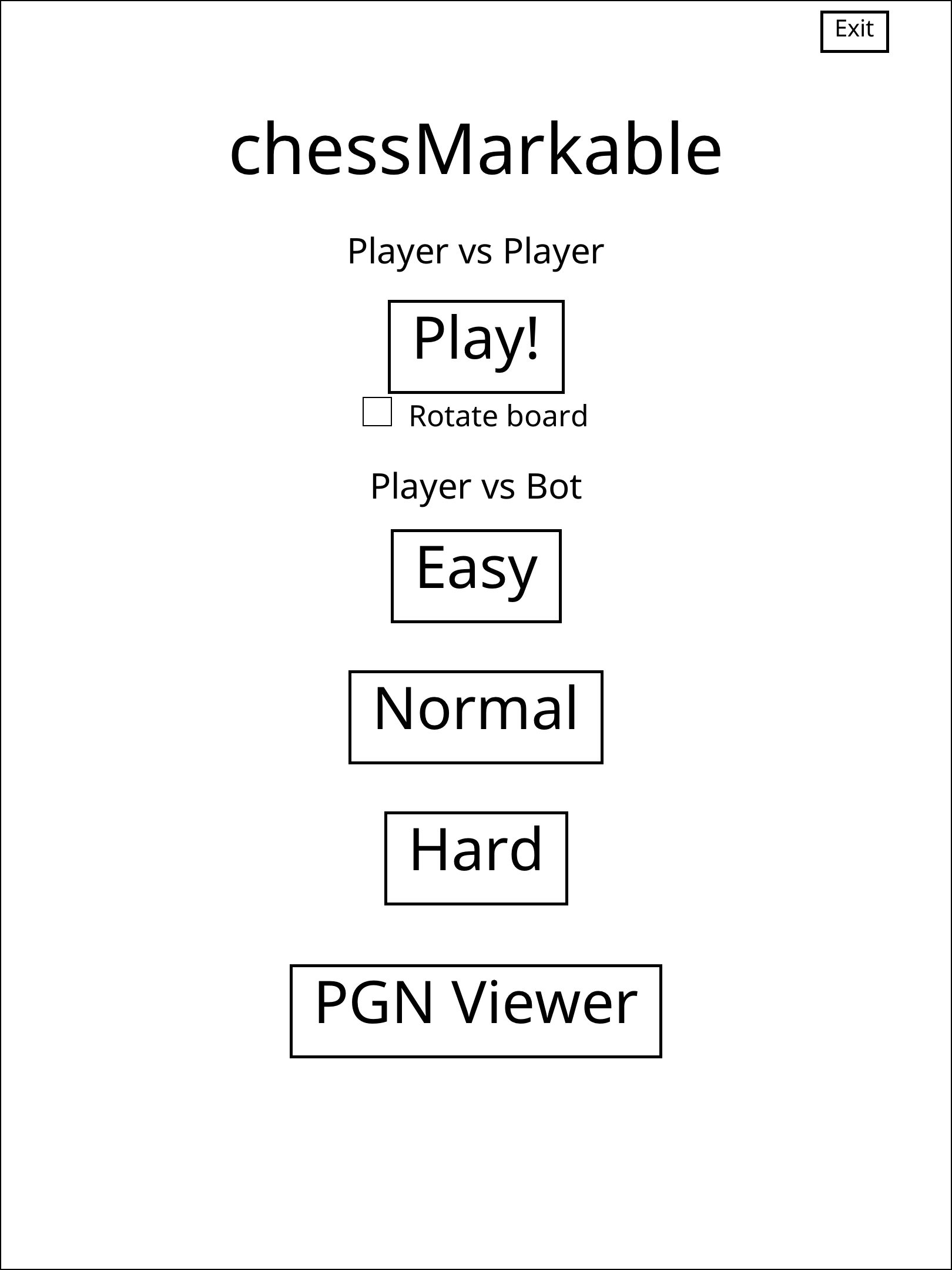
chessMarkable
A paid, ready-to-install rMPP port of LinusCDE’s MIT chess app (credited, licensed, source public) — play a friend or the bot, browse PGNs, in colour. Live → /p/chessmarkable
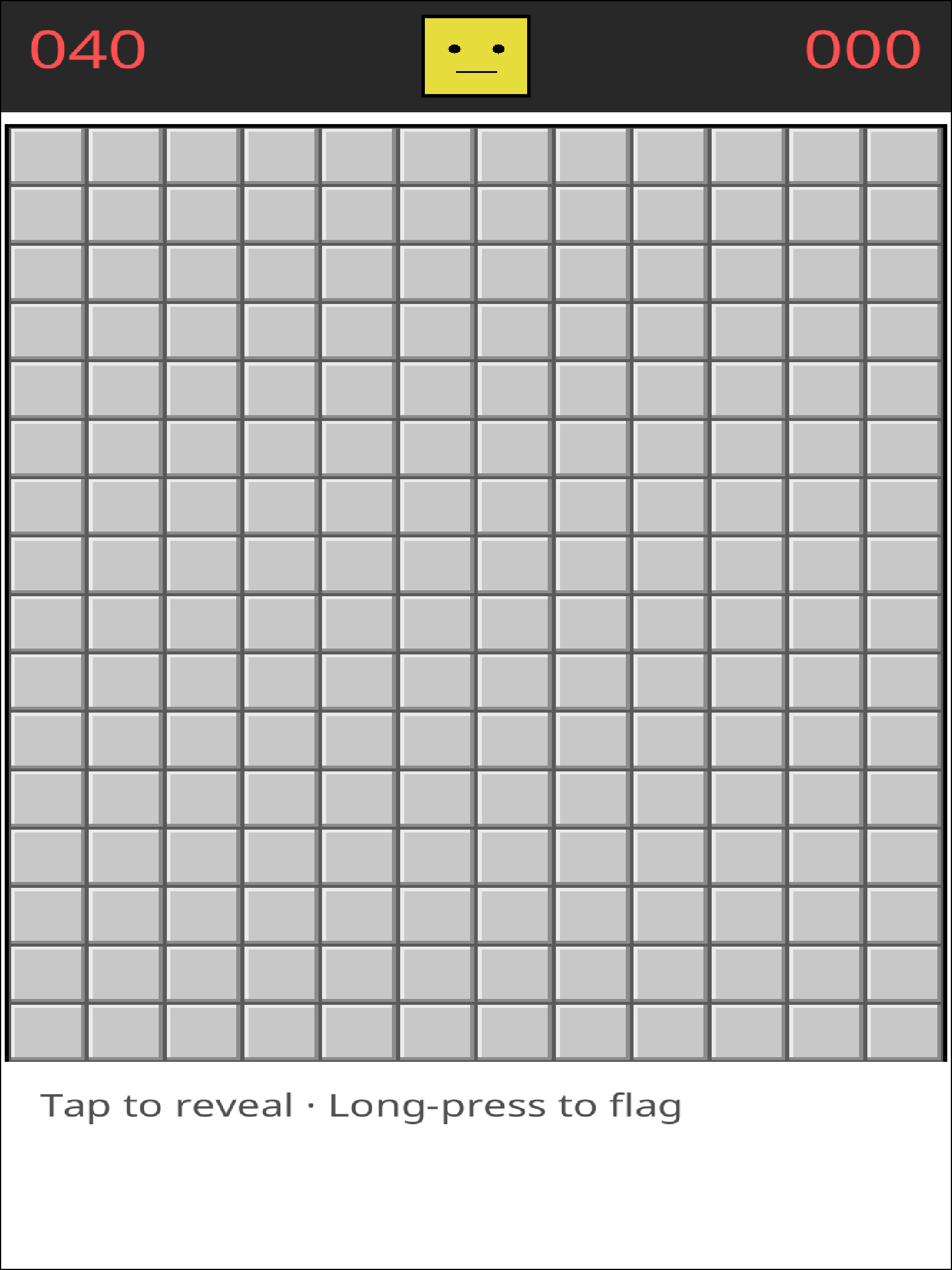
Minesweeper
Original and e-ink-tuned: tap to reveal, long-press to flag. Live → /p/minesweeper
reGenda
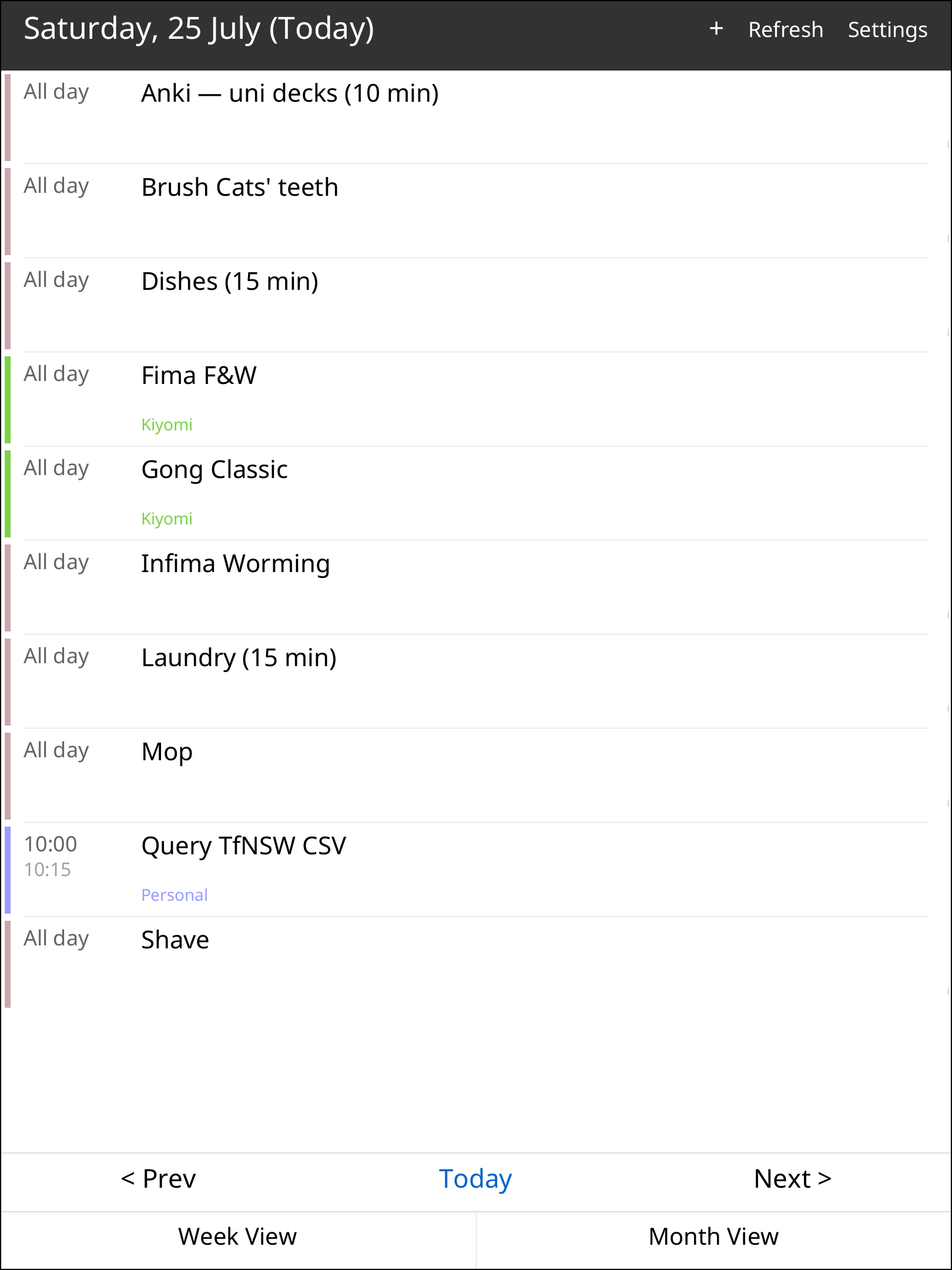
An original CalDAV agenda — Google Calendar via your own OAuth, iCloud/Fastmail/Nextcloud, iCalendar + recurrence done properly, offline cache. Live → /p/regenda
recentTab — free
A taster: one plaintext patch adds a Recent entry to the library menu, opening the device’s own recent-documents drawer. Free, runs on both devices, and small enough to read before installing — the same construction as everything paid above. Free download → /p/recenttab
the workshop shelf
Items that exist but haven’t met the quality bar for sale yet — currently a curated qmd interface-tweak bundle (per-tweak authorship audit pending). freeColour and laserPen graduated from this shelf and are live above, along with their colour-suite pair-bundle. Things return to the stall when they’re worth your money.
Backlinks (1)
1. Bazaar /bazaar/
✦ The bazaar is where the things I build get sold: one-time purchases, delivered the moment payment clears, no accounts.
Four stalls:
- reMarkable — native plugins for the Paper Pro → bazaar.abaj.ai/remarkable
- Flashcards — hand-authored Anki decks → bazaar.abaj.ai/flashcards
- Notes — typeset study bundles → bazaar.abaj.ai/notes
- Prints — art from the studio of 佐野貴代美 → bazaar.abaj.ai/prints
Each stall’s page carries a heading per listed item — a small brief of what it is and why it’s worth money.
Comments